BlogAuto-Publishing to Wix and Squarespace: 2026 Workarounds and Direct API Integration Methods
Auto-Publishing to Wix and Squarespace: 2026 Workarounds and Direct API Integration Methods
Automating content on closed CMS platforms requires creative engineering. Learn how to navigate API barriers, leverage third-party webhooks, and programmatically publish AI content without incurring Google spam penalties.
•7 min read
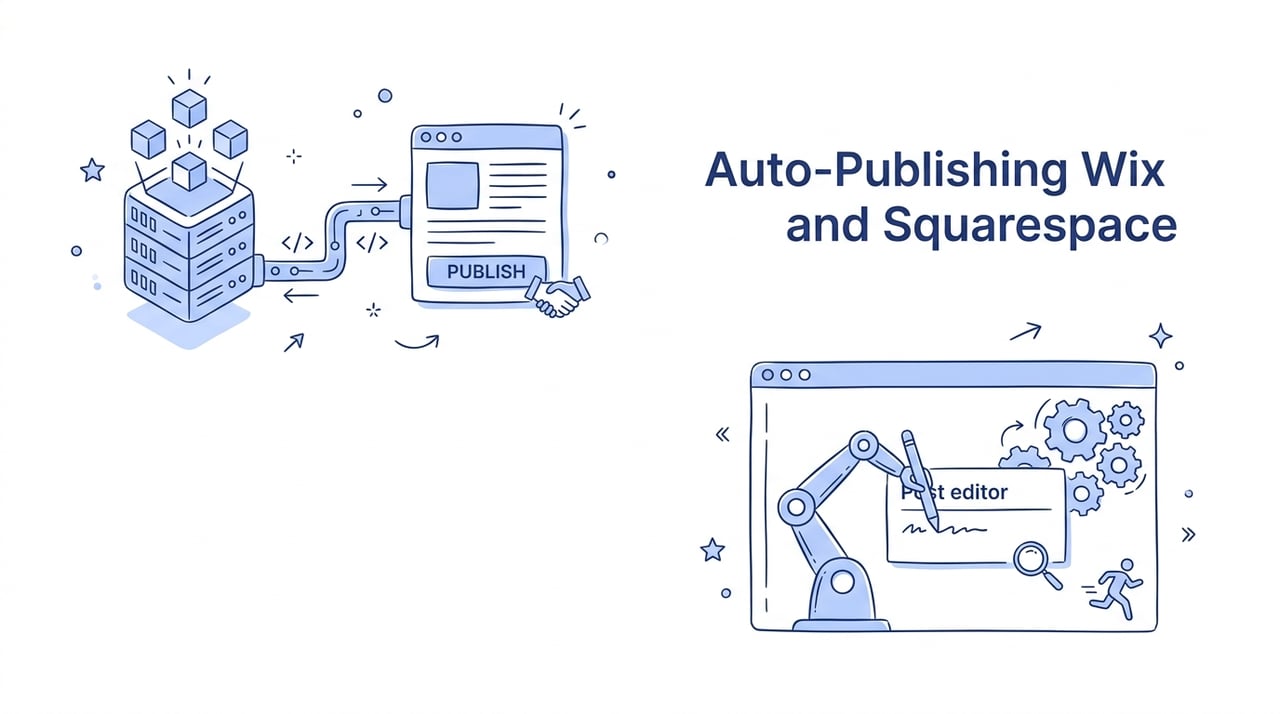
Hitting a brick wall during automated deployments is a rite of passage for modern SEO developers. While Wix has opened its doors wide with high-performance developer APIs, Squarespace keeps its blogging backend locked down like a digital fortress. Building a programmatic publishing pipeline across both platforms in 2026 requires two completely different playbooks. You must choose between elegant direct API connections on one side and creative browser automation workarounds on the other.
The Developer Cheat Sheet: Wix vs. Squarespace Automation
Here is your quick roadmap for automated publishing across both website builders.
Wix offers native REST APIs and Velo SDK tools that allow you to generate, format, and publish drafts programmatically.
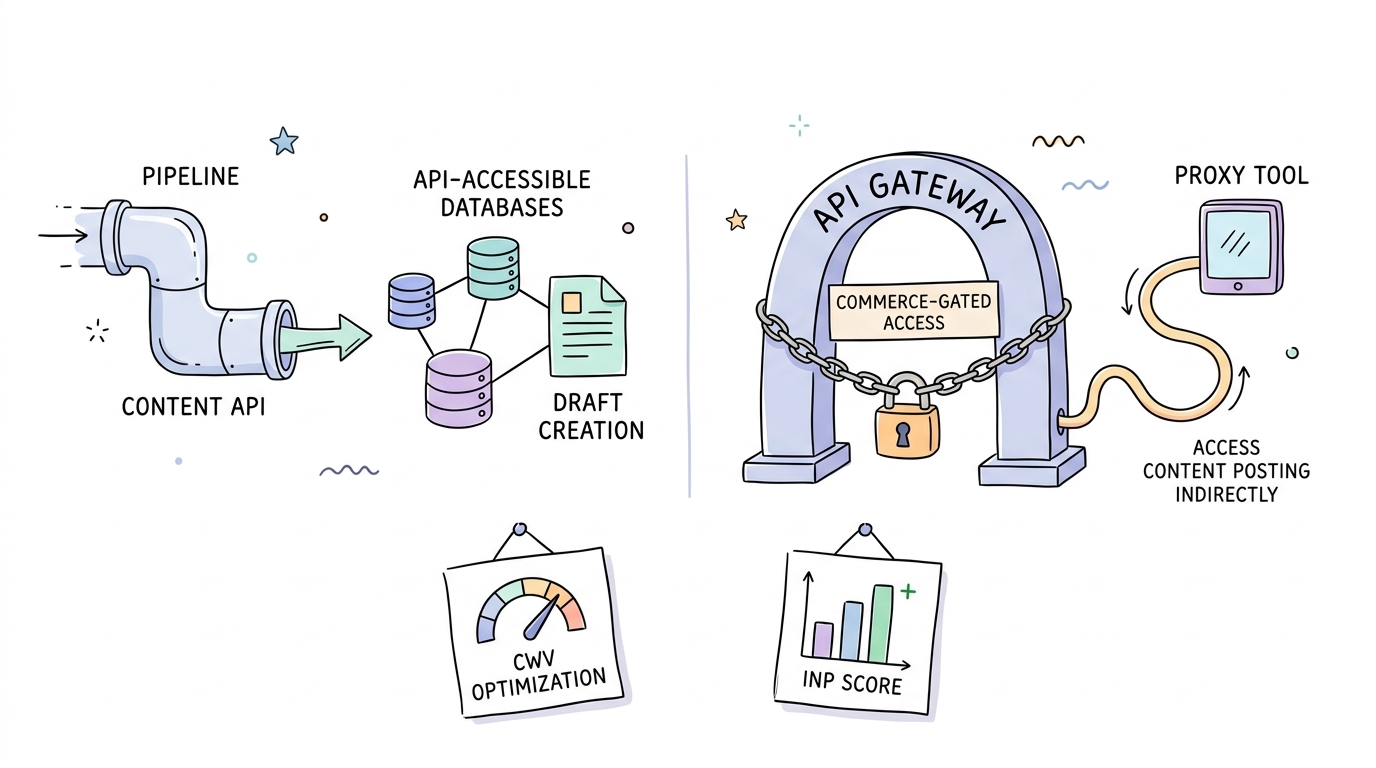
Squarespace restricts API access strictly to Commerce operations, requiring you to use browser extensions or third-party scraping methods.
Scale content safely in 2026 by avoiding raw, unedited AI output to bypass Google's strict Scaled Content Abuse rules.
Store all webhook URLs and API credentials in Wix Secrets Manager to prevent exposing sensitive keys in public scripts.
Understanding the API Architecture Gap
The choice between Wix and Squarespace for programmatic publishing comes down to native developer access versus restricted closed-door environments. Wix enables direct headless auto-posting through its open REST API, whereas Squarespace forces you to bypass its lack of a blog API by using browser tools or e-commerce endpoints.
This architecture gap exists despite both platforms reaching peak performance capabilities. Wix has optimized its core performance, pushing 74% of Wix sites to achieve good Core Web Vitals scores in 2026. On the other hand, Squarespace maintains a high 95.85% Interaction to Next Paint (INP) score pass-rate.
Yet, when you try to publish articles automatically, the developer experience diverges completely. Wix treats blogs as dynamic, API-accessible databases. Squarespace restricts API key generation exclusively to commerce functions like inventory and transactions, as detailed in the Squarespace API Keys Setup Guide.
Here is a walkthrough that covers the key steps of setting up automated systems:
Understanding this structural difference dictates how you construct your automated publishing stack.
The Wix Integration Blueprint: Direct API and Velo Methods
You can easily publish posts automatically on Wix by leveraging its official developer APIs to programmatically create and publish draft posts. This native support allows for direct headless integrations without the need for manual browser clicks.
The most direct route is the REST API. You authenticate your application, acquire an OAuth token, and send an HTTP POST request to the draft post endpoint.
If you are working inside Wix Studio or Editor, utilize the internal Velo backend SDK. Always store your secure webhook URLs and API tokens within the Wix Secrets Manager. Hard-coding keys directly in public-facing Velo backend scripts is a major security vulnerability that exposes your system to unauthorized API requests.
Keep in mind that the Wix Blog API has some architectural limitations. You cannot programmatically set Alt Text on featured images through the standard API, which requires manual oversight or post-publishing adjustments for accessibility.
Tip: If you want to put this entire process on autopilot without writing custom code, look into dedicated SEO pipelines like Kitful AI, which can handle native automated blogging setups directly.
Squarespace Integration Workarounds: Bypassing the No-API Barrier
Because Squarespace lacks native blogging endpoints, you must use browser automation extensions or e-commerce API hacks to programmatically publish content. These workarounds bypass Squarespace's strict focus on manual editorial publishing.
The first method relies on browser automation tools. Extensions like Canopy SEO or the Squarewebsites Tools Extension PRO run in your browser to simulate manual clicks, directly pasting your AI-generated text into the Squarespace draft editor.
The second method utilizes a programmatic commerce workaround. By using tools like SEOmatic, you connect directly to the Squarespace Commerce API. You can publish dynamic resources, like local directory pages, disguised as mock e-commerce products.
Pitfall: If you use the commerce workaround, you must stay under Squarespace's hard limit of 200 products per page. Exceeding this threshold will break your layout and degrade your search performance.
When deciding on your Squarespace automation strategy, use these rules:
If you need a fully hands-off auto-blogging pipeline, then use browser automation tools like Canopy SEO to simulate manual publishing workflows.
If you are building a structured directory or localized database site, then connect your data source to the Squarespace Commerce API to generate programmatic pages.
If you require thousands of automated pages, then consider migrating your content engine to a platform with native blog APIs like Wix or WordPress.
Building Penalty-Proof Programmatic Systems in 2026
To survive Google's strict search algorithms in 2026, automated publishing systems must focus on deep utility and verified author signals rather than high-volume unedited outputs. Google's core updates specifically target Scaled Content Abuse and Site Reputation Abuse, penalizing sites that publish content primarily to manipulate search rankings.
The algorithm does not penalize content solely because AI generated it. However, it explicitly targets systems that scale thin, unhelpful pages without manual review. For instance, consider a residential construction company owner who used a basic browser extension and Claude to upload 200 unedited drafts to Squarespace. Without adding unique localized images or verified author metadata, the site suffered a manual spam penalty within weeks due to lack of EEAT signals.
95.85% of top Squarespace sites pass modern Interaction to Next Paint audits, but high performance cannot save bad content.
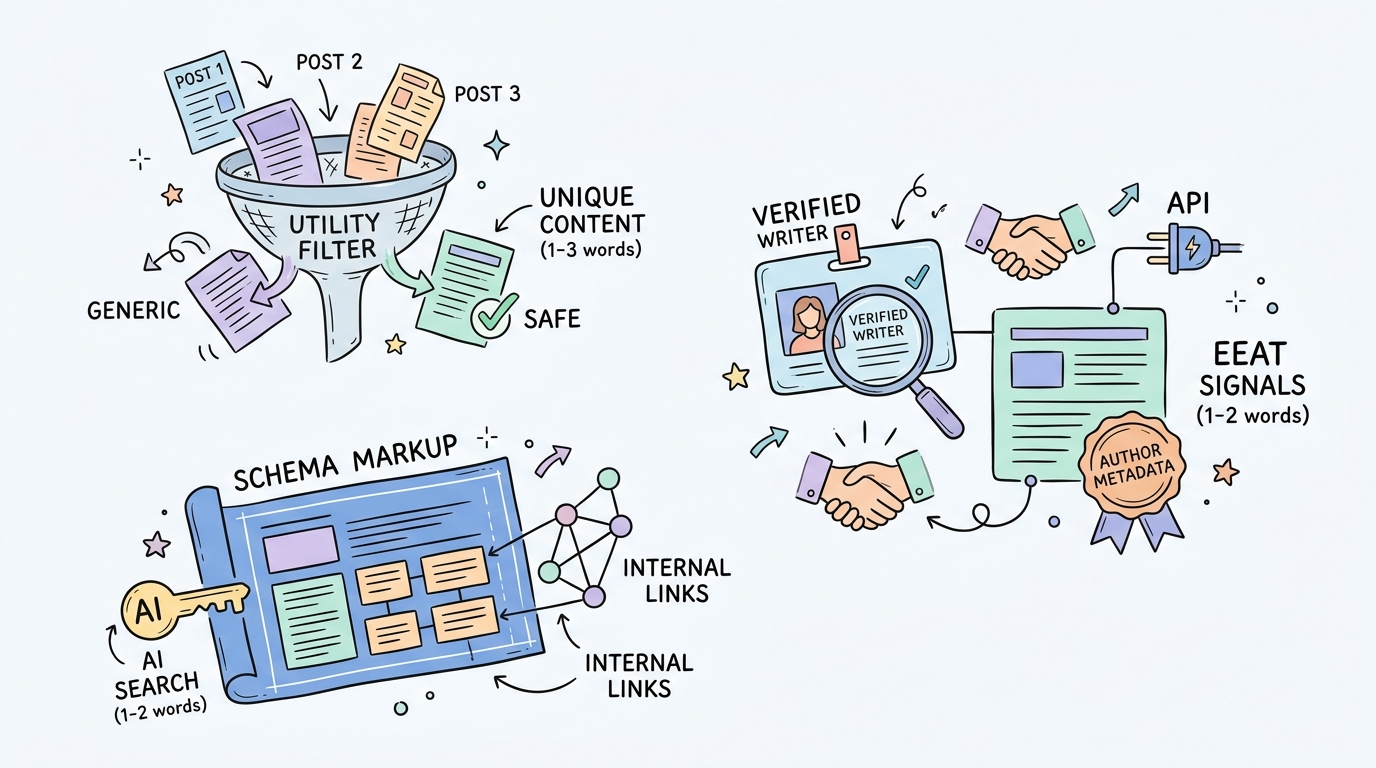
To build a penalty-proof system, your publishing workflow should include the following quality-assurance checks:
Embed comprehensive schema markup on every programmatic page to help modern AI search engines index your structural data.
Map real EEAT indicators like verified writer bio data via custom metadata fields in your API drafts.
Use clean, automated internal linking models to build logical topical clusters without creating unnatural link spam.
Following these guidelines ensures that your automated directory pages and informational blog posts continue to rank high on modern Search Generative Experiences. For teams looking to scale this safely, tools like Kitful AI offer advanced content humanization features and rich media integrations that make your automated posts look entirely hand-crafted.
Automation Feasibility Matrix
Evaluating the automation paths for Wix and Squarespace reveals distinct compromises between architectural stability and ease of setup. This table maps out your options based on production capabilities and platform boundaries.
Platform Method
Best For
Complexity
Tradeoff / Limitation
Wix REST API / Velo
Large-scale blogs
Medium
Missing Alt Text API support
Squarespace Canopy SEO
Automated drafts
Low
Requires active browser session
Squarespace Commerce API
Local directories
High
Limited to 200 items per collection page
Squarespace Squarewebsites
Site migrations
Low
Difficult to fully schedule
Using this matrix helps you choose the right approach based on your project scope and engineering resources.
System Verification and Health Audits
You can verify that your automated publishing pipelines are working correctly by performing targeted checks across your CMS dashboards, API response logs, and Google indexing tools. System verification ensures your programmatic content renders properly and stays compliant with search standards.
Once a publishing routine executes, run these quality-assurance checks:
Inspect the Wix Backoffice dashboard under 'Published' or 'Drafts' to verify that the HTML formatting, images, and custom metadata are intact.
Audit the Squarespace API key logs to confirm that all incoming webhook payloads from external connectors are returning clean HTTP 200 success codes.
Run published page URLs through Google's Rich Results Test to ensure your custom schema is successfully injected and canonical tags are valid.
Frequently Asked Questions
Can I use Zapier or Make.com to post directly to Wix Blog?
Yes, but you must construct custom API payloads. Since Make.com and Zapier lack a native Wix Blog module, you will need to utilize generic HTTP or Webhook steps to communicate with the Wix draft-posts endpoint.
Is there a native blogging API available for Squarespace?
No, Squarespace does not provide a native API for creating blog posts. You must rely on browser extensions or utilize the Squarespace Commerce API as a makeshift alternative.
How can I avoid Google spam penalties when using auto-publishing?
You can avoid search penalties by humanizing your AI text, incorporating rich media elements like unique images or YouTube videos, and injecting structured schema. Focus on adding genuine user value rather than simply inflating page counts.
Future-Proofing Your Publishing Infrastructure
Choosing between Wix and Squarespace for programmatic publishing comes down to your technical requirements and platform tolerance. Wix provides a scalable, developer-friendly API route, while Squarespace demands creative workarounds. By implementing clean browser automation or structured commerce hacks, you can build efficient automation engines on either builder. Establish your verification loops early, prioritize schema optimization, and begin scaling your digital footprint safely.
 Kitful