BlogHands-Free Ghost Blogging: How to Sync AI-Generated Markdown Directly to Ghost CMS
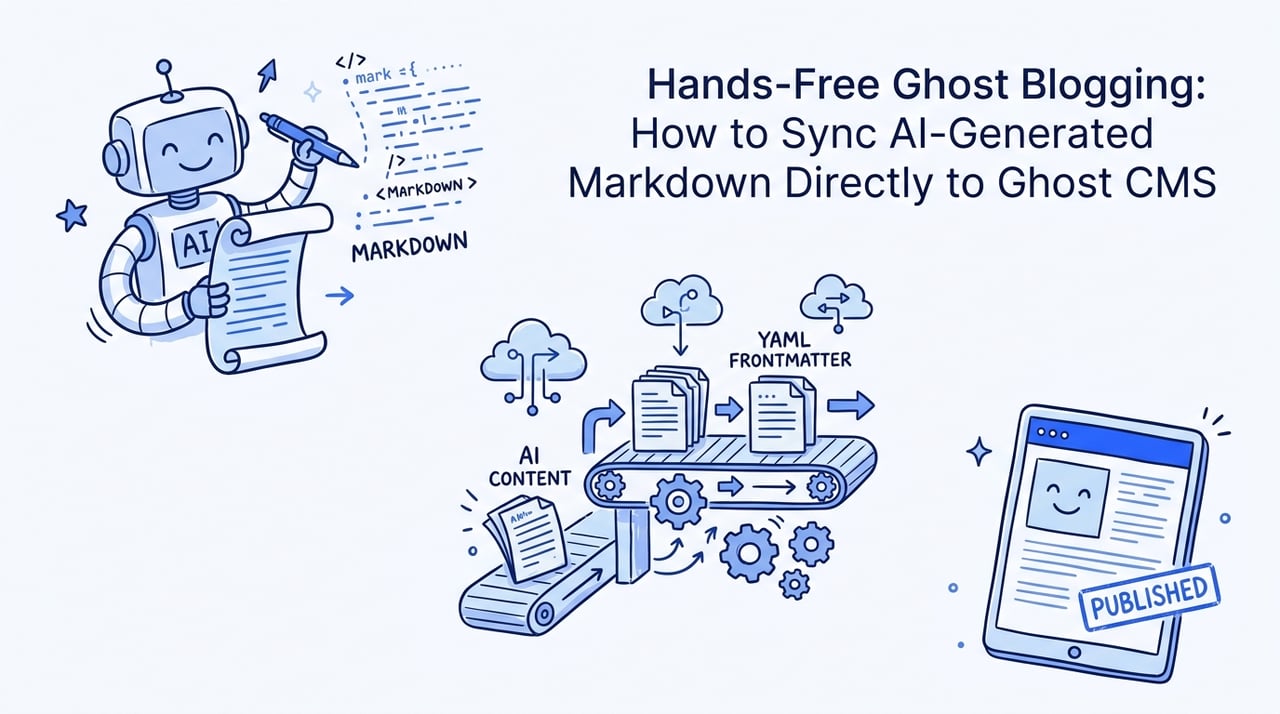
Hands-Free Ghost Blogging: How to Sync AI-Generated Markdown Directly to Ghost CMS
Struggling to scale your publishing pipeline without getting hit by Google's Scaled Content Abuse policies? Discover the ultimate guide to automating your Ghost CMS workflow cleanly through Markdown-first code syncing.
•7 min read
Copying and pasting draft after draft into a web-based CMS editor is a massive productivity trap.
In the age of programmatic SEO and rapid content generation, manual formatting is simply too slow.
If your publishing workflow lives entirely within a web dashboard, you remain vulnerable to database errors and lost archives.
This exact friction is why modern publishers are treating content like code.
As developer Bruno Scheufler explains, once your blog is markdown on disk, a lot unlocks.
You can chuck your folder in git, gaining a secure version history and a backup layout that Ghost lacks.
Local Markdown acts as the ultimate bridge between AI writers and secure, automated publishing pipelines.
The Hands-Free Ghost Publishing Playbook at a Glance
Automating Ghost CMS publishing turns your content pipeline into a scalable, high-speed software workflow.
Here is what you need to keep in mind:
Convert your content to flat Markdown files with custom YAML frontmatter to decouple your database from your CMS UI.
Maintain absolute version control and secure historical archives using git repositories.
Ensure programmatic SEO content achieves at least a 60% uniqueness threshold to clear Google spam filters.
Implement structured schema attributes at the file level to maximize AI search engine visibility.
Why Treat Content as Code? The Defensible Strategy
Keeping files on your local drive is a highly defensive content strategy.
When your blog posts exist as flat Markdown files, they remain fully portable, searchable, and secure.
You are no longer locked into a single hosting provider or database structure.
AI agents also perform significantly better when parsing clean Markdown files rather than querying database environments.
They can identify your structures, links, and formatting blocks with perfect accuracy.
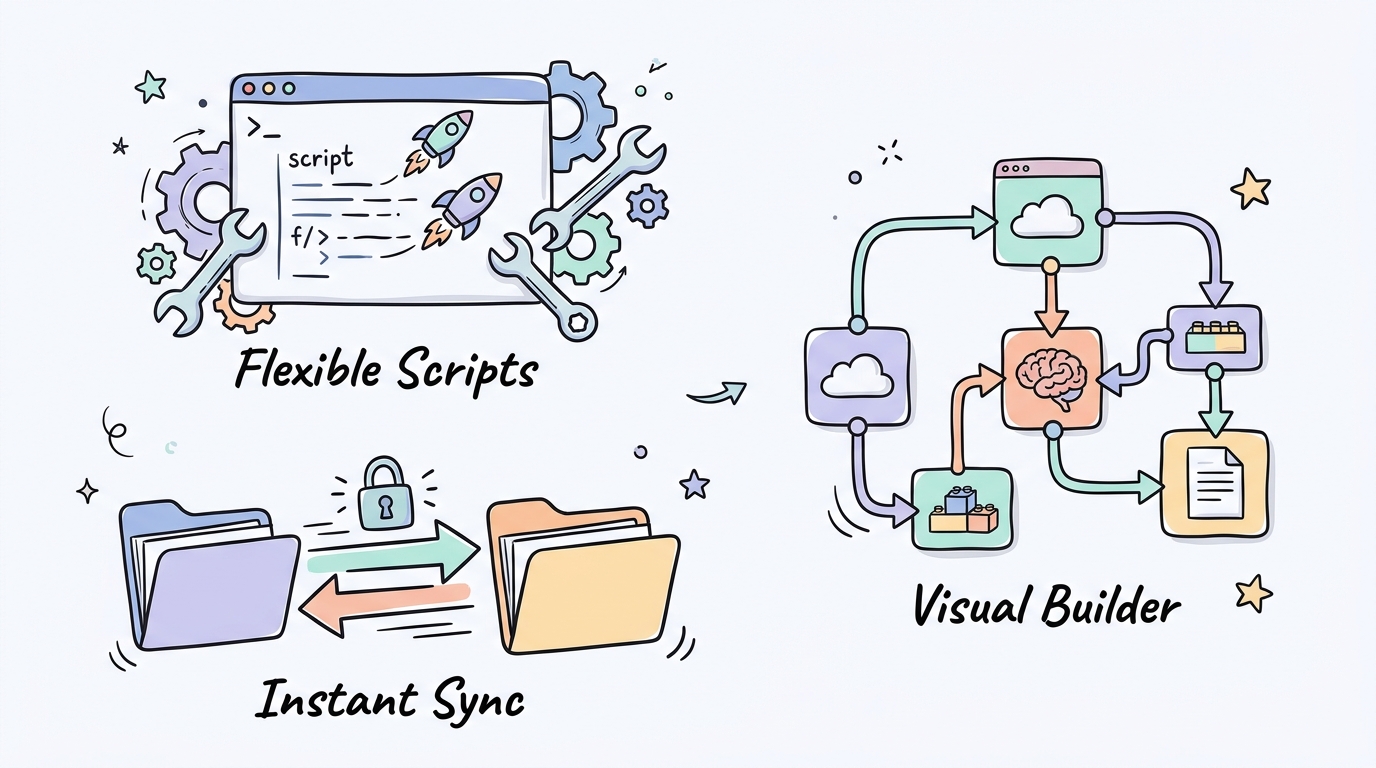
Here's a walkthrough that covers the key steps to automate your setup:
By keeping your files on disk, you can run bulk script edits safely.
Tip: Managing content as local markdown lets you feed your local directories directly to LLMs without complex database calls.
What Do You Need to Start Automating?
Before building your custom deployment pipeline, make sure your development environment matches your target CMS configuration.
Ensure you have the following prerequisites in place before writing your synchronization scripts:
A Ghost CMS instance (v5.0 or higher) running on Ghost Pro or a self-hosted server.
A Custom Integration in Ghost Admin to retrieve your specific API URL and API Key.
A local execution environment using Node.js, Bun, or Python to process the local files.
Flat Markdown files formatted with a standard YAML frontmatter block for metadata mapping.
How Do I Build the Markdown-to-Ghost API Pipeline?
Building a programmatic publishing script requires connecting your local files to the official admin endpoints.
This setup allows you to sync changes automatically with every file update.
Follow these sequential steps to configure your deployment pipeline:
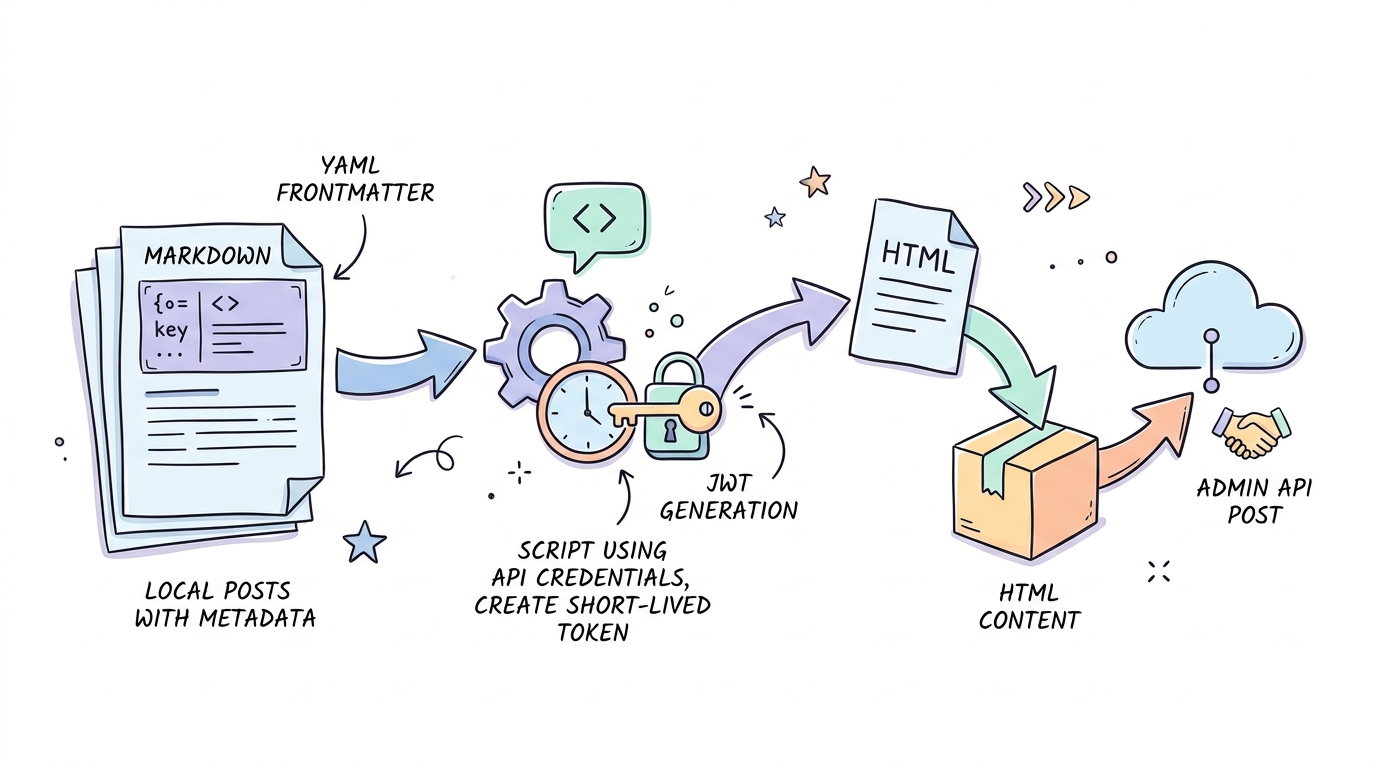
Generate your API credentials. Navigate to Settings inside Ghost Admin, select Integrations, and add a Custom Integration to locate your API Key.
Add standard YAML frontmatter to your local files. Use this block to map key values like title, slug, draft status, and tag details.
Parse your Markdown into clean HTML payload. Utilize a parser like markdown-it or a Python script to convert headings and change images to WebP.
Create a JSON Web Token. The Admin API requires a short-lived token generated from your custom integration key.
Post your converted HTML to the /posts/ API. Pass your structured variables with the parameter source=html to generate the live post.
Configure GitHub Actions workflows. Create a workflow file to trigger your sync script automatically whenever you push edits.
As developer Raymond Weitekamp advises, keeping your schema close to the content ensures your AI agents do not have to guess layout properties. When your frontmatter fields mirror Ghost Admin API values, synchronization runs flawlessly.
To build your security token, you can run a custom Javascript script.
To bypass modern search spam filters, each programmatic page must hit at least a 60% uniqueness threshold.
Every post needs distinct local data, custom insights, or verifiable facts rather than simple keyword changes.
When building programmatic directories, the margin for error is razor-thin.
For instance, digital publishers who deploy thousands of basic doorway guides without verification often face catastrophic rank drops overnight.
As SEO expert Priyam Goyal warns, programmatic SEO is either the smartest strategy you will execute this year or the fastest route to a manual penalty.
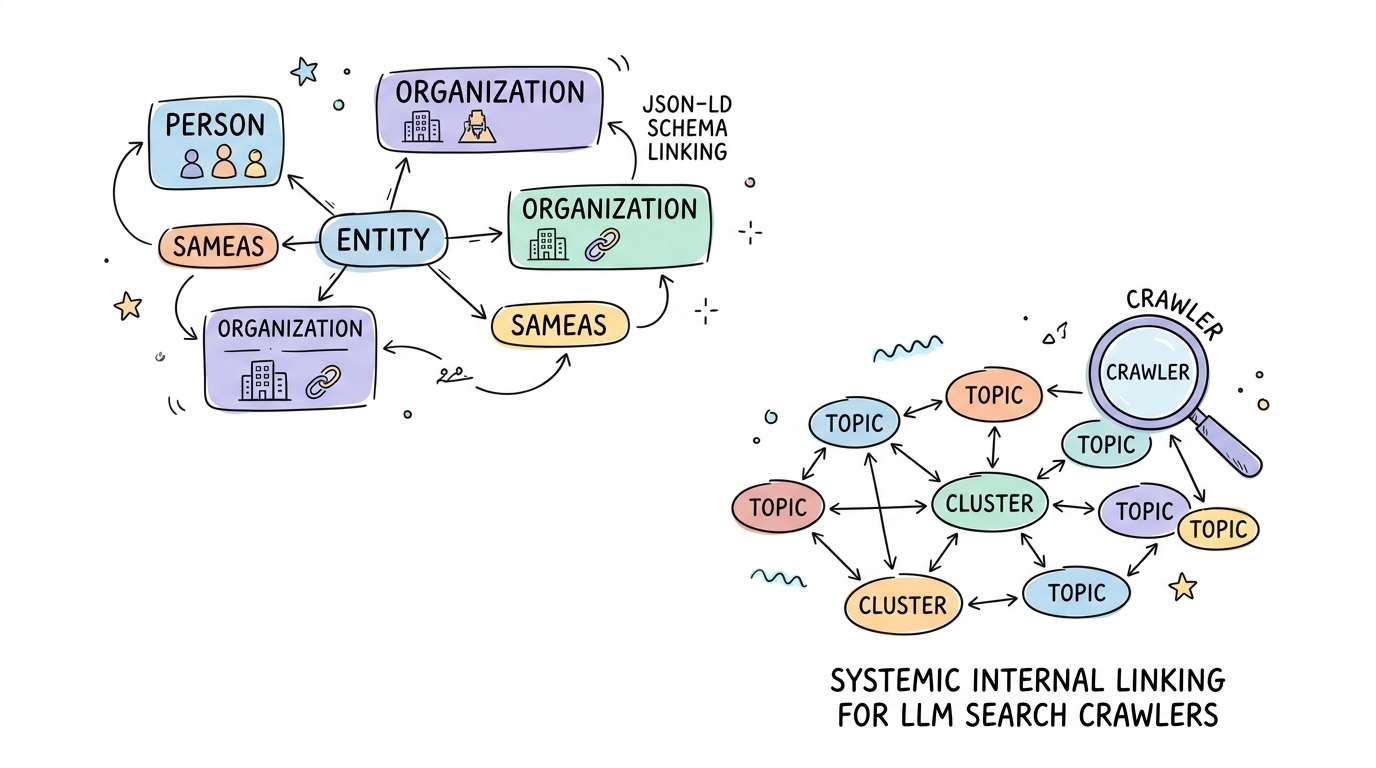
Furthermore, search crawlers look for structured identity mapping.
According to Schema.org Structured Data Documentation, the AI citation rate for pages with deep schema structures reaches 61.7%, compared to just 41.6% for basic configurations.
You should define structured parent-pillar semantic maps directly inside your file schemas.
To keep your SEO strategy secure, adopt these direct decision guidelines:
If your site targets localized long-tail topics, then use programmatic datasets with high entity density instead of simple keyword-swapping templates.
If you are building automated author profiles, then link verifiable credentials directly to your schema nodes to establish native authority.
Monitoring your programmatic parameters is equally critical. Ensure you monitor your programmatic structures regularly to protect your rankings:
Maintain a content length sweet spot of 1,500 to 2,500 words to establish complete subject authority.
Avoid renting domain authority or hosting unrelated affiliate directories to comply with modern Site Reputation Abuse guidelines.
Ghost Automated Publishing: Your Questions Answered
Learn more about connecting modern editing workflows directly to your publishing system.
How do I connect my markdown editor to Ghost CMS?
You can establish a direct connection using local scripting or third-party synchronization tools. These processes convert your Markdown files and custom YAML frontmatter into clean HTML payloads before transmitting them safely to the Ghost Admin API.
Can I use AI to write and publish directly to Ghost?
Yes, you can utilize automated platforms to manage draft generation and direct delivery. Solutions like Kitful AI offer Autoblog features that automatically discover keywords, generate humanized articles, and publish directly to your CMS via webhooks.
What is Google's policy on AI scaled content?
Google does not penalize AI content purely based on its creation source. However, its Scaled Content Abuse rules target low-effort programmatic layouts. Your articles must retain high entity density and at least a 60% relative uniqueness score to survive automated filters.
Automate Responsibly and Own Your Content Pipeline
Building a local Markdown-first content pipeline gives you total control over your digital brand assets.
Decoupling your creative workflow from a web-based editor ensures complete portability and bulletproof backup security.
The publishers who survive modern search volatility are those who treat their blogs like software code.
Construct your automation, organize your local files, and scale your publishing with absolute confidence.
 Kitful