BlogHow to Auto-Publish AI Articles to WordPress in 2026: A Step-by-Step Make.com Tutorial
How to Auto-Publish AI Articles to WordPress in 2026: A Step-by-Step Make.com Tutorial
Ready to scale your content without triggering spam penalties? Discover the exact Make.com blueprint to dynamically structure, enrich, and auto-publish elite AI articles to WordPress.
•8 min read
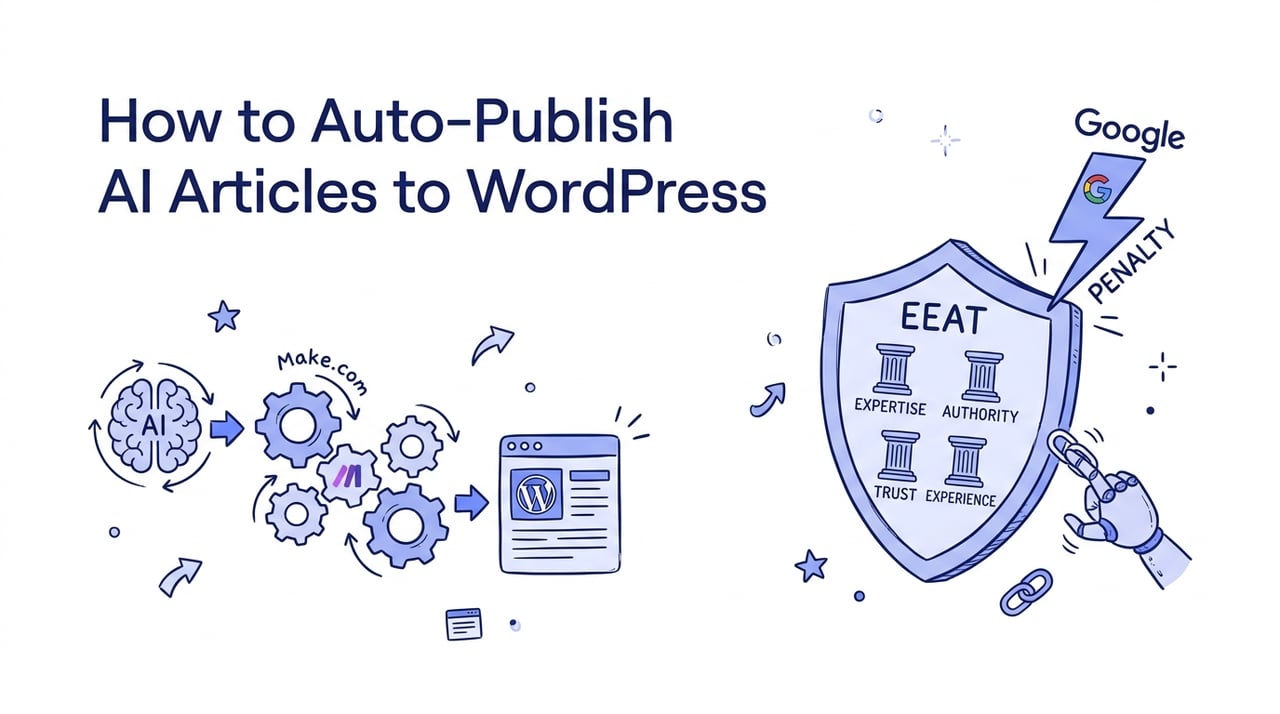
Pumping out thousands of identical AI-generated pages on WordPress is a fast track to getting your domain completely deindexed.
In 2026, the search landscape has no patience for cheap, programmatic shortcuts. Google's updated spam detection systems easily identify templated content that offers zero unique value.
The solution is not to stop automating, but to automate with high structural defensibility. By building a smart, multi-layered pipeline in Make.com, you can generate high-quality drafts that read naturally, incorporate real-time data, and secure top rankings.
This step-by-step tutorial will show you exactly how to design a resilient automated publishing system that stands up to search algorithm updates.
How Does Google Handle Automated AI Content in 2026?
Google does not penalize AI content simply because it is AI. Instead, its systems target low-effort pages that lack original information, regardless of whether a human or machine wrote them.
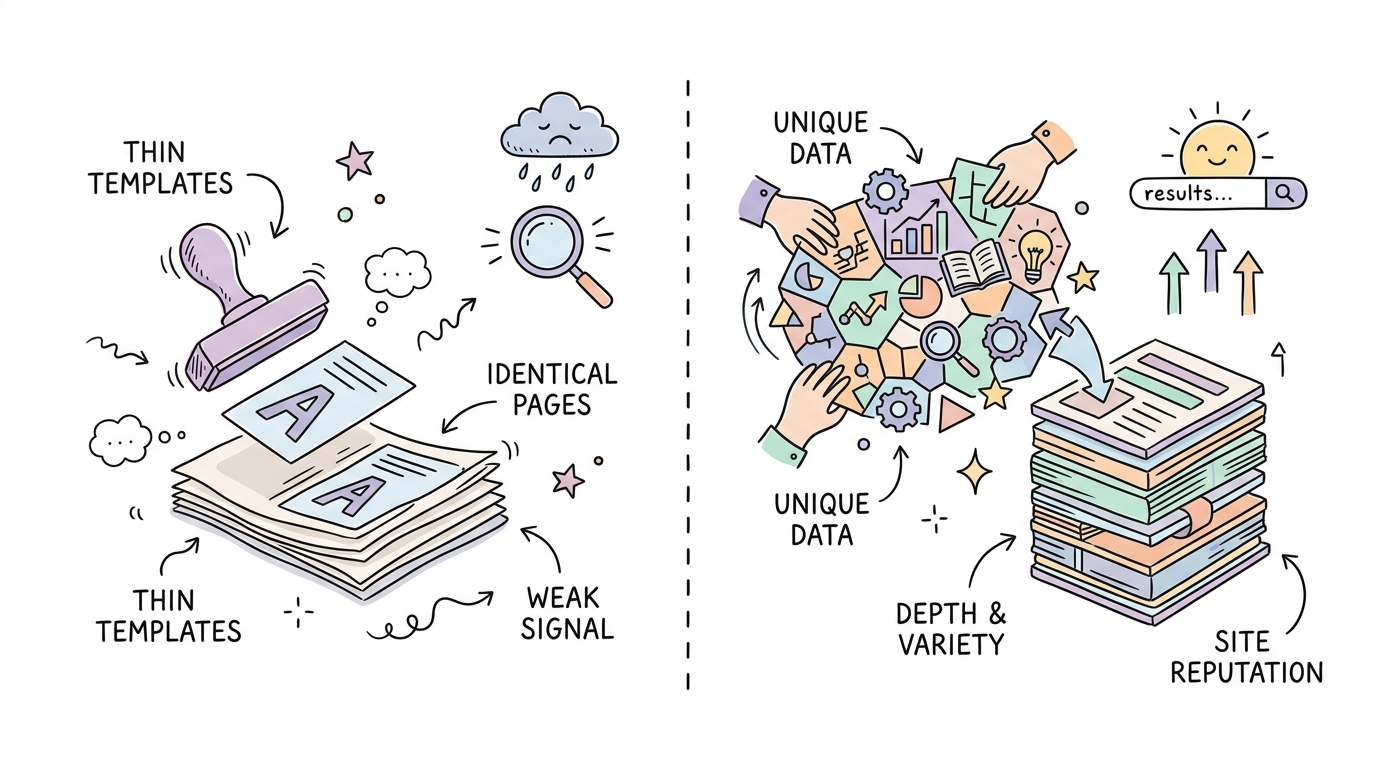
The core policy you must navigate is Scaled Content Abuse. If you auto-publish simple, templated articles where only a few variables are swapped, search crawlers will flag them as thin content.
In fact, a recent programmatic SEO benchmark revealed that 68% of websites running naive templates trigger Google's thin-content signal within 90 days. Conversely, Rankability's 2026 study showed that 83% of top Google search results still score as highly human-written content.
This tells us that quality, depth, and layout variation are what keep websites safe. Additionally, regulatory shifts, such as the EU Commission's investigation under the Digital Markets Act (DMA) in 2025-2026, have forced Google to increase transparency regarding how it penalizes low-value, third-party content.
To stay on the right side of these policies, your automated pipeline must achieve at least a 60% uniqueness ratio between articles by integrating dynamic data from multiple real-world sources.
83% of top Google search results scored as human-written in Rankability's 2026 study.
What Prerequisites Do You Need for Make.com Automation?
To build an automated publishing pipeline, you must establish secure programmatic connections between your data source, your AI generator, and your WordPress site.
Setting these up beforehand saves you from troubleshooting broken connections halfway through scenario construction.
Here is an excellent beginner walkthrough of how to build your first automated blog setup using Make.com and WordPress:
Before you begin, make sure you have prepared the following core components.
A self-hosted WordPress website with REST API access enabled
An active API key from an AI provider like OpenAI or Anthropic
A structured data source, such as a Google Sheet or Airtable base, populated with target keywords and customized outlines
Step 1: Architect Your Database with Structured Fields
Structuring your source database with rich, multi-layered data is the foundation of any defensible programmatic SEO campaign. This prevents the thin-content flags that destroy naive bulk campaigns.
Instead of feeding a single keyword column to Make.com, you need a spreadsheet or database that stores unique data points for every single row. You should aim to pull from three or more distinct data sources to ensure your content is rich and deeply informative.
Consider the marketing team at a growing B2B analytics platform. They mapped out over 1,000 distinct data integration use cases, pulling software details directly from API docs and user reviews to feed their templates. The resulting pages achieved a 187% lift in long-tail organic traffic within six months because each page provided highly specific technical insights.
When setting up your data tables, you can use specialized tools like WP All Import Pro alongside your database to map unique attributes directly to custom fields.
If scaling to 1,000+ programmatic pages, then configure your database to compile unique data from at least 3 distinct sources to pass Google's scaled content check.
If targeting highly competitive queries, then include a dedicated column for manual editorial hooks or expert quotes.
Step 2: Connect the Make.com Trigger and AI Writing Modules
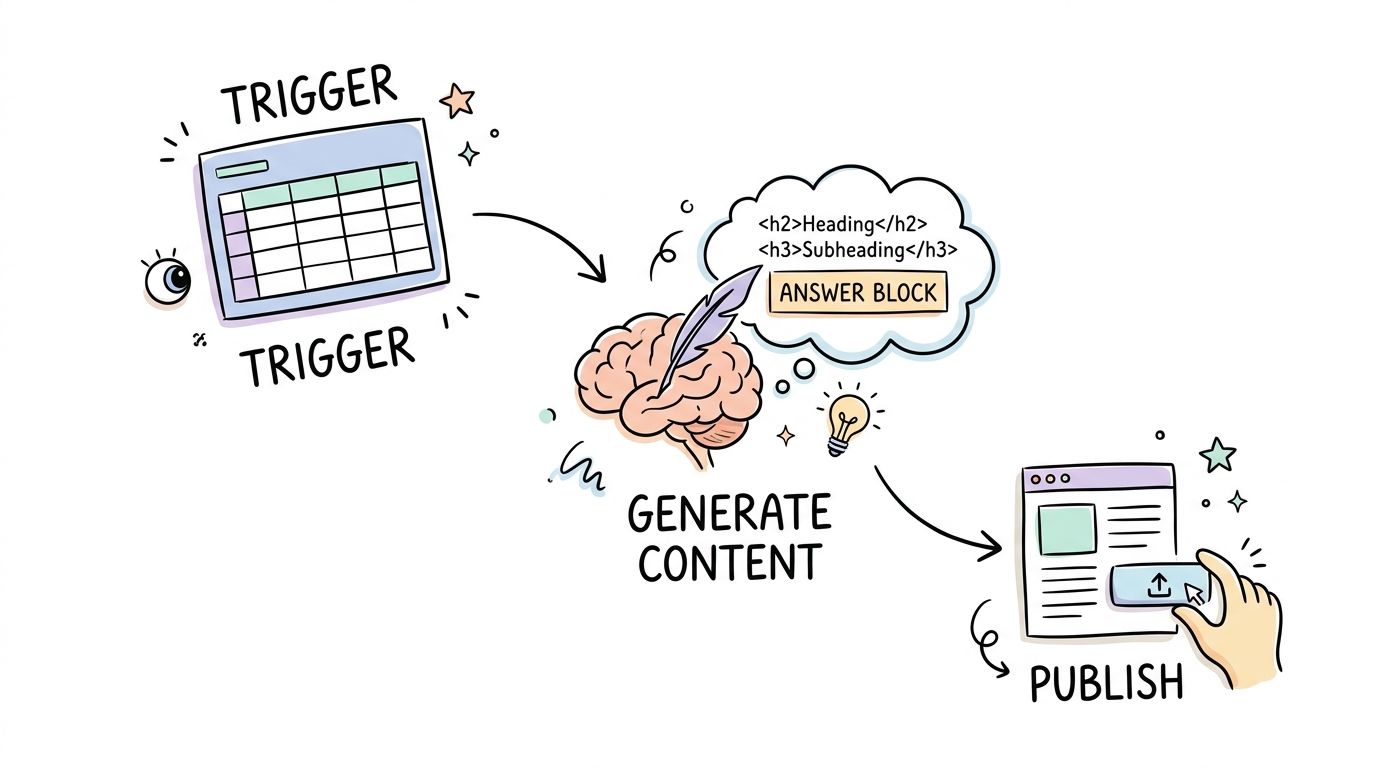
You must configure Make.com to fetch raw rows from your database and pass them directly to an advanced language model structured to produce clean, semantic HTML. This ensures your output fits seamlessly into WordPress without breaking the layout.
First, connect your database module to Make.com using a Watch Rows trigger. This trigger can run on a schedule or instantly when a status column changes.
Next, route this data to your OpenAI or Claude module. Your prompt must explicitly demand well-formatted HTML, including proper headings, bold tags, and list tags, rather than raw markdown.
Crucially, instruct the model to use answer-first formatting. Recent studies by BrightEdge show that 50% of Google queries now trigger AI Overviews, which rely heavily on direct answers placed immediately after headings.
Here is a reliable prompt structure to paste into your LLM module settings:
{
  "role": "system",
  "content": "You are an expert SEO copywriter. Generate the article in clean HTML format. Do not include markdown code fences or backticks around the output. Ensure every major heading is followed immediately by a direct, 1-to-2 sentence answer to optimize for AI Overviews. Structure the content using native H2 and H3 tags."
}
By delivering structured answers at the very beginning of each section, your articles become highly extractable for generative search engines.
Step 3: Generate and Map Dynamic Featured Images
An automated post needs a unique, relevant featured image to look professional and rank well. You can automate this by adding an image generation module right after your content creation step in Make.com.
Using APIs like Fal.ai or DALL-E 3, you can programmatically generate visual assets based on the specific topic of each database row.
Pass a brief, descriptive prompt to the generator, such as a high-quality corporate flat-lay or a minimalist vector graphic representing the article topic.
Once the image generation is complete, ensure that the output URL is captured. You will need to map this file directly to the WordPress Media Library in the next step to prevent broken image references.
Tip: Always use clean, minimalist design prompts to ensure AI-generated images look professional and cohesive across your entire site.
Step 4: Configure the WordPress Post Creation Module
The final step inside your core Make.com scenario is mapping your generated content, images, and metadata directly to the WordPress REST API fields. Keeping posts as drafts initially protects your site from unexpected formatting or factual errors.
Add the WordPress "Create a Post" module and map the generated HTML text directly into the Post Content field.
Next, connect the image URL from your generator to upload it to the WordPress media library, and link the resulting Media ID to the post's Featured Media field.
You should also map custom taxonomies, tags, and Advanced Custom Fields to maintain clean site navigation. If you need alternative scaling methods, tools like the Multiple Page Generator (MPG) can assist with complex directory templates directly on your server.
Ensure that you configure a final update module to write the live draft URL back to your master spreadsheet for easy tracking.
Pitfall: Setting your default post status to Published. Always set the status to Draft or Pending Review so a human editor can review the layout and facts.
How Do You Automate Internal Links and Schema Markup?
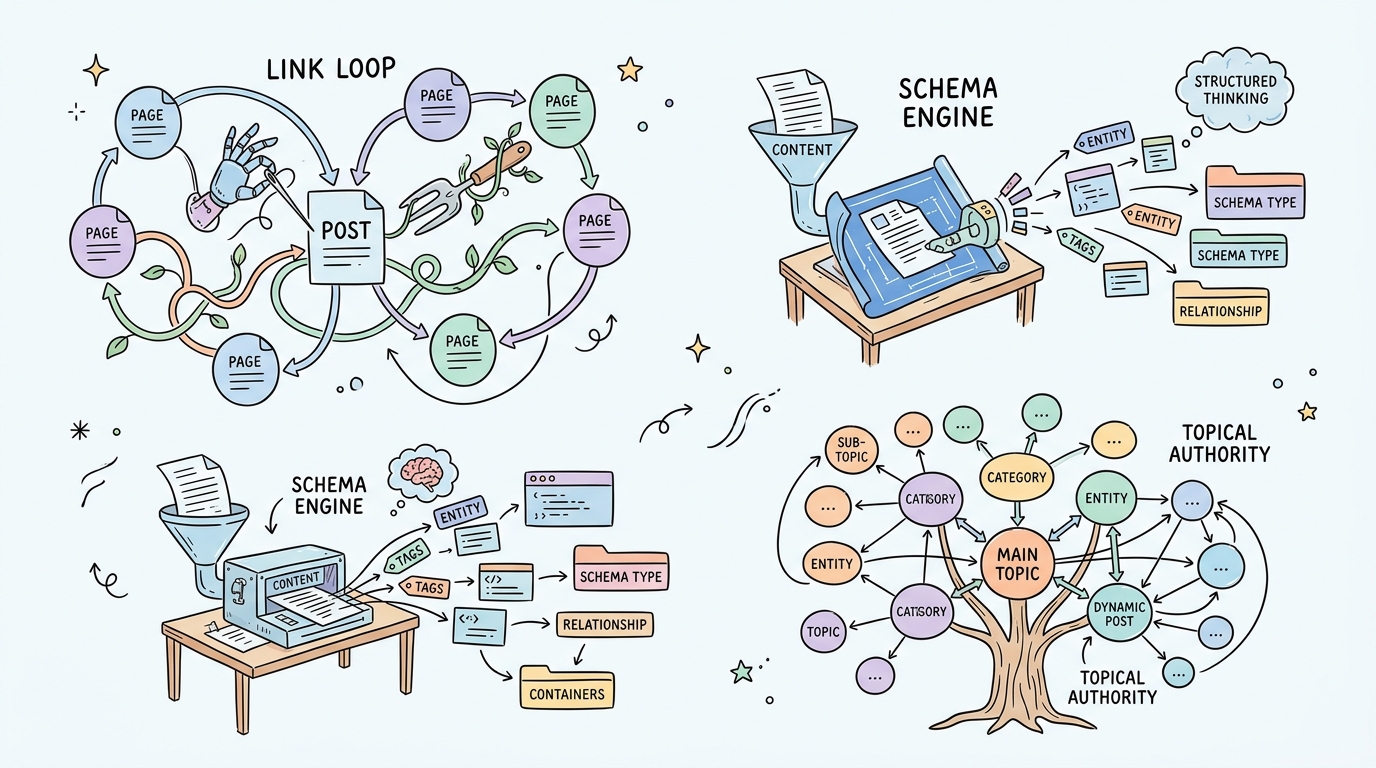
To maximize indexing and performance in 2026, you must weave new posts into your existing internal linking architecture and apply structured schema markup immediately upon publishing. This prevents orphan pages and makes your site easily digestible for search engines.
Unlinked pages rarely rank, no matter how good the content is. You can use native AI plugins like the Rank Math SEO Plugin or Link Whisper to automatically scan published WordPress posts and suggest contextual, in-text internal links.
Additionally, implementing rich schema markup, such as JSON-LD, can yield up to a 30% increase in organic search click-through rates.
Install an active schema engine like Rank Math or AIOSEO to output structured entity data.
Set up automated internal linking routines to ensure no page is left orphaned.
Generate an automated llms.txt file at the root of your WordPress site to help AI search crawlers index your layout quickly.
Step 5: Verify Your Automation and Audit Output Quality
Before scaling your workflow to produce hundreds of articles, you must manually audit the first few generated drafts to verify layout consistency, schema compliance, and link integrity.
Automating without auditing is a recipe for broken tags, bad layouts, and wasted API credits.
Always check the output against multiple validation criteria before opening the floodgates.
If your draft looks visually clean, then test the live URL against Google's Rich Results Test tool to verify your JSON-LD schema contains no errors.
If you notice repetitive text or broken images, then refine your Make.com prompts and check that your media library mapping is correct.
Scale Responsibly: Your Blueprint for Defensible SEO in 2026
Automated publishing on WordPress is a powerful mechanism for growth, but its long-term success depends entirely on the unique value and quality you build into the system.
By mapping structured databases, executing clean API workflows in Make.com, and maintaining a strict editorial standard, you can scale safely without fear of search penalties.
If you want to skip the complexity of building this manual multi-tool workflow yourself, platforms like Kitful AI offer a native, all-in-one alternative.
Kitful AI features autoblogging, direct WordPress publishing, AI image integration, and built-in text humanizing to streamline your entire search pipeline.
To get started with high-quality automation today, register your account and test your first programmatic campaign.
Frequently Asked Questions About WordPress AI Automation
Does Google penalize AI-generated content in 2026?
No, Google does not penalize content solely for being generated by AI. Its systems are designed to detect and penalize low-effort, thin content that provides zero unique value or information gain.
How do I auto-publish content from Google Sheets to WordPress?
You can build a scenario in Make.com that uses a Google Sheets module as a trigger to watch for new rows. That data is sent to an AI generator, and the resulting HTML text is sent to the WordPress REST API to create a post.
What is Google's Site Reputation Abuse Policy?
This policy targets websites that publish low-quality, third-party content on a high-authority domain to manipulate rankings. Google cracked down heavily on this practice following regulatory pressure and updates in 2025 and 2026.
 Kitful