BlogHow to Use a Content Refresh Tool to Boost Your Old Blog Posts
How to Use a Content Refresh Tool to Boost Your Old Blog Posts
Content decay quietly erodes blog traffic. Discover how a content refresh tool can analyze performance gaps and automatically update old posts for higher rankings.
•5 min read
SEO Refresher reports that updating existing content can deliver 3-5x better ROI than writing new posts. That makes an old post with slipping traffic a practical place to start.
Content decay sets in as statistics age and search intent shifts. A post can still have useful material, yet fall behind pages that answer newer questions or cover missing subtopics.
A content refresh tool finds those slipping pages, compares them with live search results, and prepares a focused update. You keep the original work, then improve the parts readers and search engines now need.
What You Need Before Starting a Content Refresh
Start with access, not drafts. You need Google Search Console or GA4 data before a content refresh tool can show which posts deserve attention.
Access to Google Search Console or GA4, including 28-day click and position data
A connected content refresh tool, such as Kitful AI, Indexly, or Content Refresher
An inventory of published posts older than 90 days
Keep the post URL, current title, and update history with that inventory. It gives the editor a clear record before any copy changes begin.
This walkthrough covers the full refresh process and when to revisit older pages.
How to Identify Decaying Posts with Performance Data
Compare two 28-day periods. Posts with falling clicks, lower CTR, or a position drop are decaying, and high-value evergreen pages that fall past position #3 deserve priority.
In Google Search Console, select a recent 28-day window and compare it with the preceding 28 days.
Sort published posts by reduced clicks, CTR, and average position, then flag pages older than 90 days.
Mark pages that previously held a strong position but have fallen past position #3, along with pages that have lost AI citations.
Send the shortlist to a refresh tool for a second check against its decay signals.
Indexly says its four automated triggers detect decay 12 days earlier than manual audits. That earlier signal helps you refresh a page while it still has useful rankings to recover.
Keep the first batch small. Pick pages with clear traffic value and a visible decline, rather than rewriting every old post at once.
How to Map Content Gaps Against Top Competitors
Use the current search results as the update brief. A refresh tool compares your page with pages ranking above it, then maps the gaps section by section.
Enter the post and its main query into Kitful AI's Content Refresh Tool.
Review the higher-ranking pages for missing sections, unanswered FAQ questions, and newer statistics.
Mark each part of your post as keep, rewrite, add, or trim.
Turn those marks into an ordered update plan before generating copy.
An older software listicle, for example, may need current pricing and feature changes while its useful category structure stays in place. That focused edit protects material that already ranks while addressing the reasons competitors moved ahead.
Quick rule: Keep sections that still answer the query well, then patch the specific gaps shown in current results.
How to Generate Draft Updates and Verify Accuracy
Generate the draft, then check every claim before publication. Content Refresher drafts updates inside Gutenberg or Elementor and keeps approval with the editor.
Apply the approved update plan to create a draft, including refreshed statistics and missing sections.
Read the draft against the source pages for each updated fact and edit the wording to match your brand tone.
Keep the original URL and slug unchanged, then test every internal link.
Add FAQ structured data where the post has useful questions and answers, then approve the draft for publishing.
Preserving the URL and core internal links keeps historical backlinks passing authority. If you need help shaping the new sections before drafting, this guide to AI copywriting for blog updates gives a useful outline process.
How to Republish Content and Track Ranking Recovery
Submit the updated URL for recrawling, then watch the page for 30 days. Check the same performance signals at 7, 14, and 30 days so a brief crawl change does not get mistaken for recovery.
Publish the approved update without changing its URL or slug.
Auto-submit the page through the Google Indexing API and Bing IndexNow for faster recrawling.
Record clicks, CTR, average position, and AI citation presence at each review point.
Indexly reports an average Freshness Score lift of +43 per refreshed page and an average Google gain of +7.1 positions within 14 days. Use your own Search Console results to decide whether the page needs another focused edit or can return to its regular review cycle.
Which Content Refresh Tool Fits Your Workflow?
Four common choices cover distinct refresh workflows. Pick the one that matches how you review drafts and how much decay monitoring you need.
Tool
Best for
Starting price
Detail
Kitful AI
Refresh blueprints
Free
Section-by-section plans from Search Console data
Indexly
Decay detection
-
Four-trigger monitoring and AI citation recovery
Content Refresher
WordPress drafts
$19/month
Starter includes 10 refreshes
Keevo
Monthly updates
$20.00/month
Solo includes 13 content updates
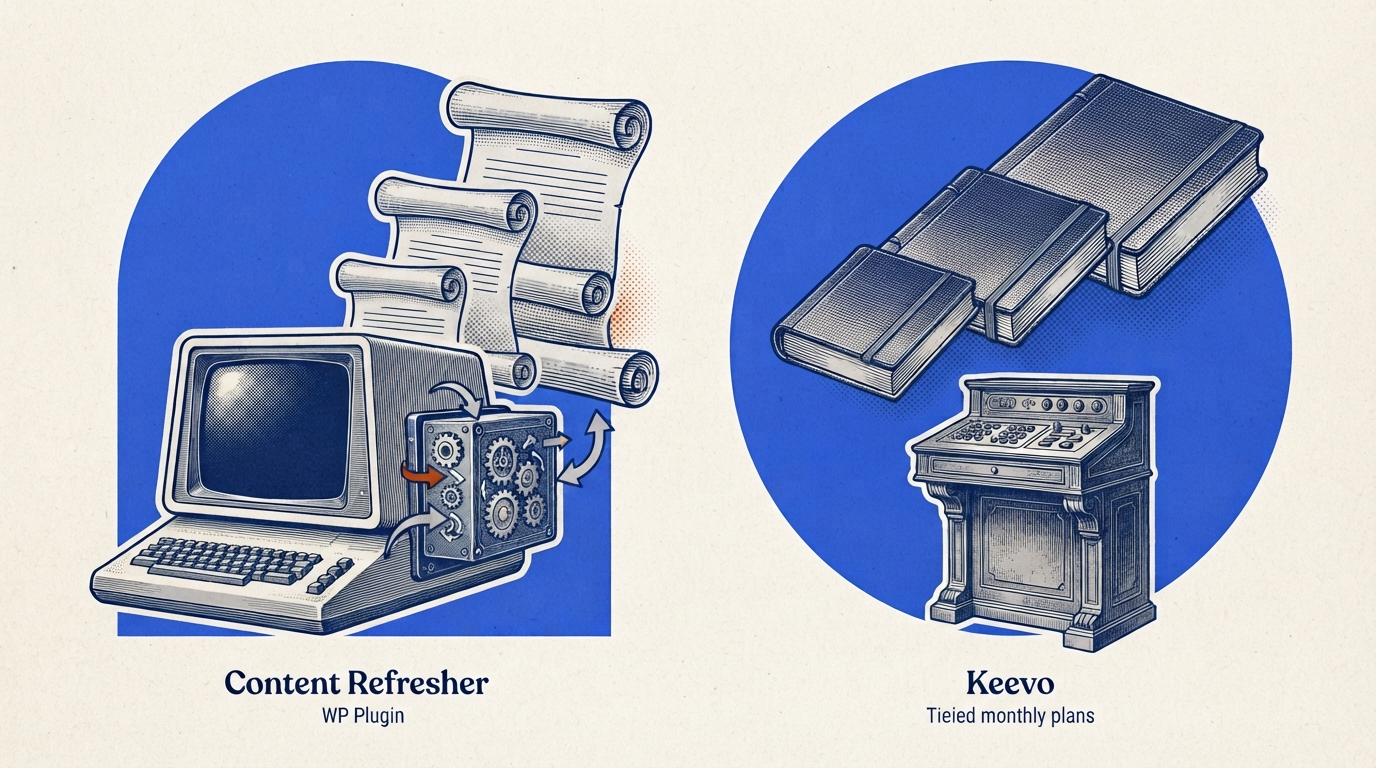
Content Refresher suits WordPress teams that want draft changes inside Gutenberg or Elementor with editor approval. Its Agency plan is $149/month for 200 refreshes.
Keevo suits teams that want a set monthly update allowance. Its Team plan is $50.00/month for 43 updates, while Agency is $100.00/month for 93 updates.
Frequently Asked Questions About Content Refresh Tools
What Is A Content Refresh Tool In SEO?
A content refresh tool identifies decaying articles, compares them with live search results, and creates a plan or draft for updates. It focuses the editor on outdated facts, missing subtopics, and other gaps tied to slipping rankings.
How Often Should You Refresh Old Blog Posts?
Review high-traffic pages on a 90-day cadence. Refresh Agent uses 90 days as a baseline for high-traffic pages, while posts showing a clear decline should move into review sooner.
Does Refreshing Content Hurt Existing Rankings?
A focused refresh preserves useful material while correcting outdated sections. Keep the original URL, slug, and core internal links so historical backlinks continue passing authority.
Why Do AI Search Engines Prioritize Fresh Content?
Fresh answers can include current facts, current pricing, and questions readers ask now. Adding useful FAQ structured data after checking the answers can also support AI citation recovery.
Start Boosting Your Traffic with Smart Content Refreshes
Start with one decaying evergreen page today. Compare two 28-day Search Console windows, map the gaps against current results, verify the new facts, and publish the updated draft on its original URL.
Then track it for 7, 14, and 30 days before moving to the next page in your archive.
 Kitful