BlogStop Copy-Pasting: Automating Webflow CMS Article Publishing via OpenAI API and Webhooks
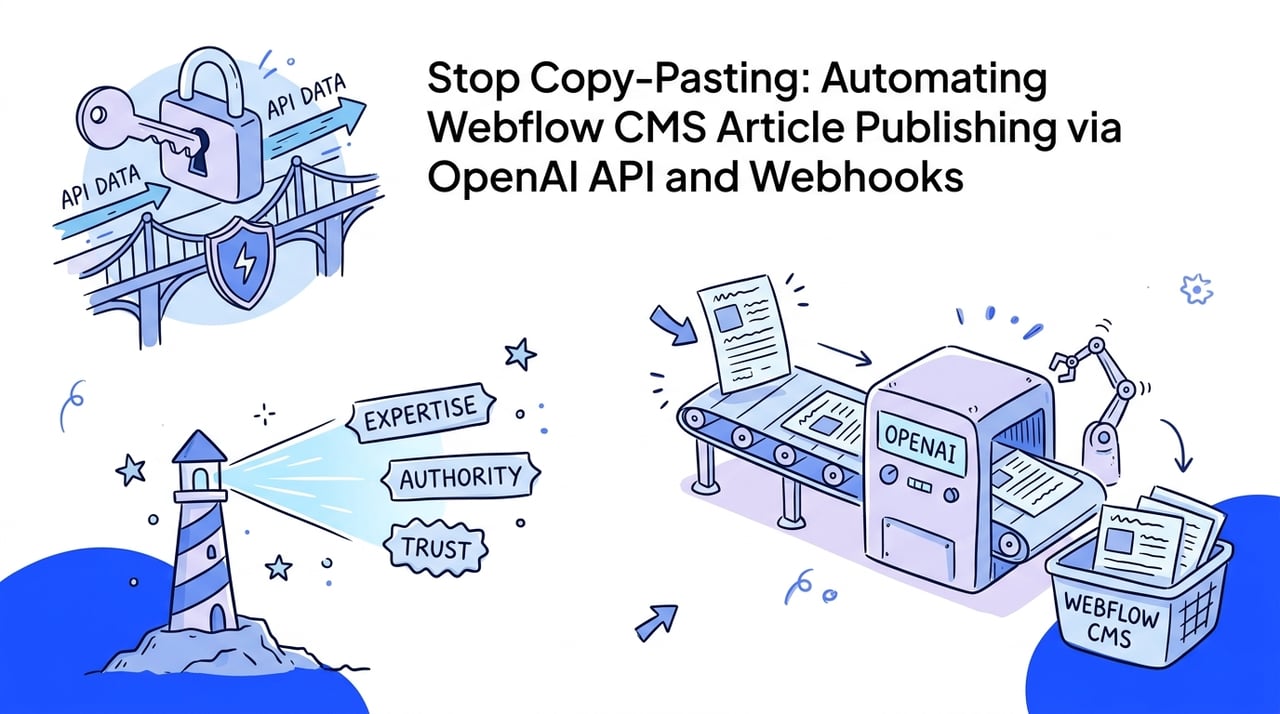
Stop Copy-Pasting: Automating Webflow CMS Article Publishing via OpenAI API and Webhooks
Manual copy-pasting is the ultimate operational bottleneck for modern SEO. Discover how to build a highly automated, secure Webflow CMS content engine using the OpenAI API, custom webhook pipelines, and elite internal linking frameworks.
•8 min read
Copying and pasting is a major friction point for growth. If you are still manually dragging text from drafts, setting CMS fields, and formatting headings, you are losing the search race. Manual article publishing inside the Webflow editor is an operational bottleneck that limits content scaling and programmatic organic traffic growth.
I have built multiple Webflow content engines, and the secret to moving fast is eliminating manual steps entirely. By securely connecting OpenAI with the Webflow CMS API, you bypass the visual editor. This pipeline allows you to programmatically build, format, and publish articles based on real database records. Let's build a secure, programmatic engine that runs on autopilot.
The 2026 Automated Publishing Playbook: Bottom Line Up Front
Transitioning to an automated API-first model is the definitive path for scale, security, and algorithmic safety. This blueprint shifts your role from a manual formatter to a systems designer.
Isolate your API credentials from client-facing frontend custom code to prevent security breaches.
Leverage structured JSON mode to enforce clean HTML and schema output from the language model.
Establish a validation step to review and inject real human experience before final publication.
Implement automated internal linking to avoid orphaned programmatic pages.
Architectural Battle: Secure Serverless Proxy vs. No-Code Middleware
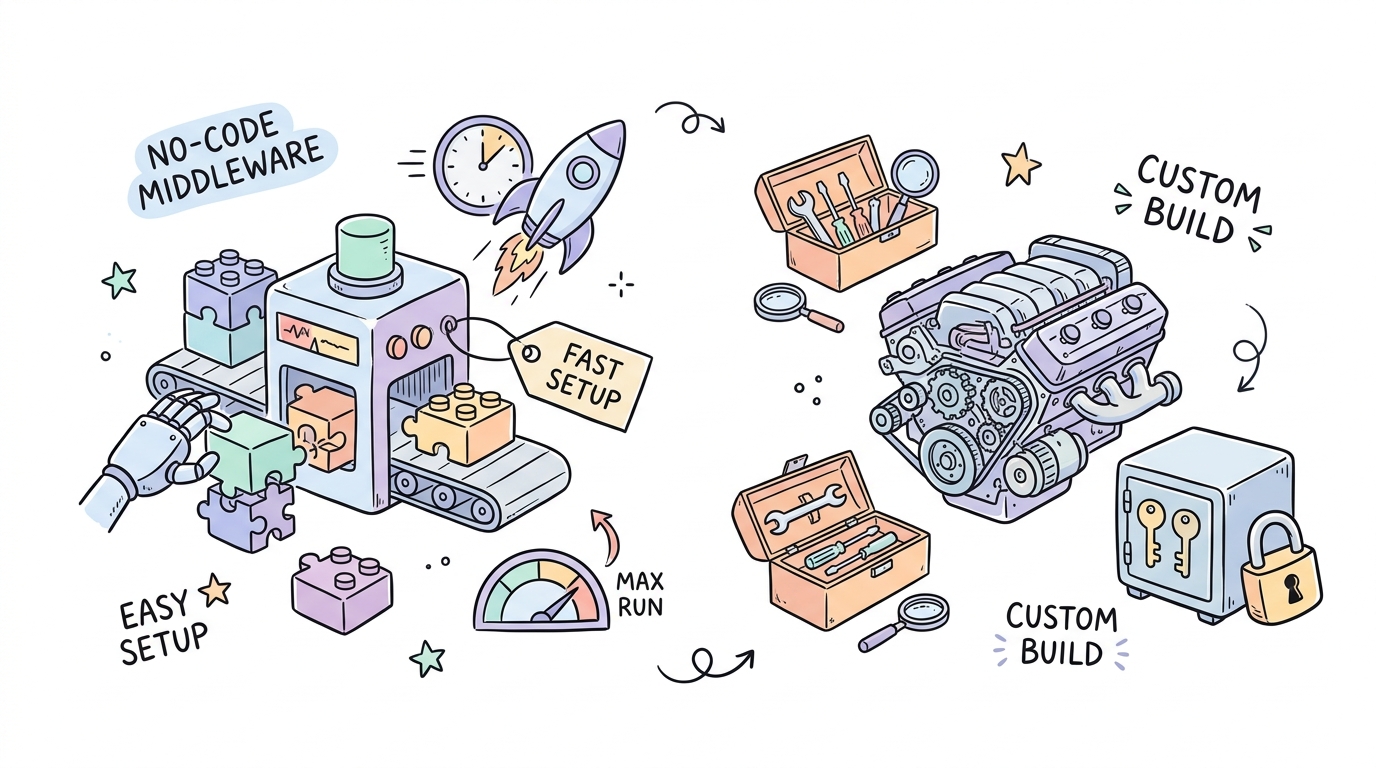
Choosing your pipeline architecture is critical for long-term scalability. You must decide how to bridge OpenAI to Webflow. I recommend evaluating two distinct approaches: a visual no-code middleware setup or a custom serverless proxy.
Both methods successfully shield your secure credentials from the front end, but they suit different engineering resource levels and budget constraints.
Here is a practical walkthrough of how automated programmatic publishing works in real time:
Limited execution timeouts, high monthly operational costs at scale
Custom Serverless Backend (Vercel, Netlify)
Enterprise scaling and custom pipelines
High (Requires code)
Low execution cost, pay-per-millisecond
Complete control over data structures, optimized performance, secure
Requires software engineering overhead to maintain and update
What You Need Before Building the Pipeline
Preparation prevents integration failure. Before writing any code or setting up webhooks, ensure you have gathered the necessary accounts and permissions. Attempting to build this on basic hosting tiers will lead to immediate API failures. You will need:
A paid Webflow site plan (CMS or Business tier) supporting the CMS API.
Webflow site administrator permissions to generate a REST API token.
A serverless hosting environment (Vercel, Netlify) or a paid subscription to Make or n8n.
Step-by-Step API Integration: From Database to Webflow Live Link
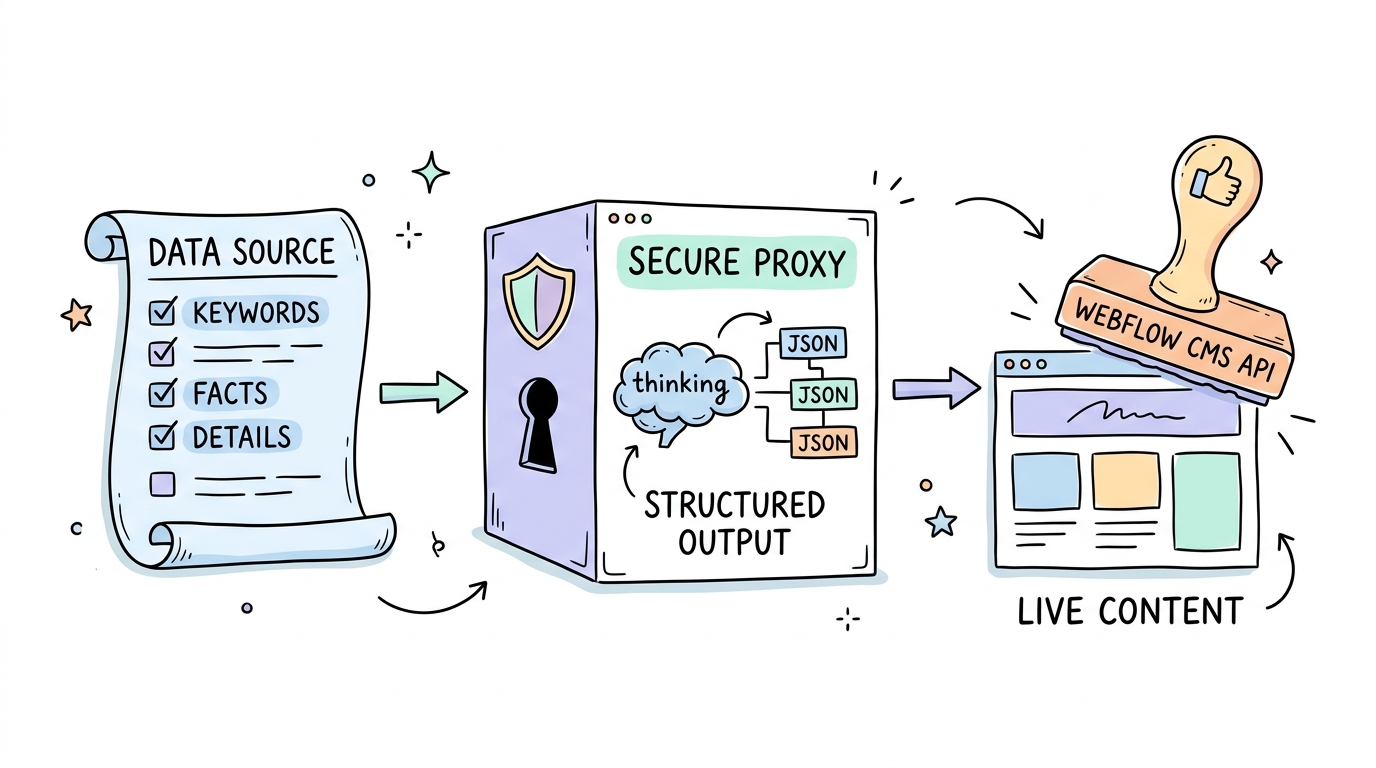
The entire automated pipeline relies on structured data moving seamlessly through secure nodes. We start with our structured source database, generate optimized content via OpenAI, validate it, and write it directly to the Webflow database.
Here is the tactical setup process to run this successfully:
Set Up the Source Database: Create an Airtable base. Use columns for long-tail keywords, core facts, target URL slugs, and publishing status.
Generate Your Webflow API Token: Navigate to Webflow Site Settings, find the Integrations tab, and generate a Webflow Data API v2 site token.
Establish Your CMS Fields: Configure your target Webflow Collection with fields for Title, Slug, Body (rich text), Meta Description, and a plain text field for your Schema JSON.
Draft the OpenAI Generation Code: Query OpenAI's API using JSON Mode. This forces the model to return a structured response containing your exact fields rather than unformatted text.
// /api/generate-article.js
import { OpenAI } from 'openai';

const openai = new OpenAI({ apiKey: process.env.OPENAI_API_KEY });

export async function generateContent(keyword, brief) {
  const response = await openai.chat.completions.create({
    model: 'gpt-4o',
    response_format: { type: 'json_object' },
    messages: [
      {
        role: 'system',
        content: 'You are an SEO expert. Output JSON with keys: title, slug, body, metaDescription, and schemaMarkup.'
      },
      {
        role: 'user',
        content: 'Write an article about ' + keyword + ' based on these facts: ' + brief + '. Include H2 headings, a 40-55 word micro-answer, and a detailed FAQ.'
      }
    ]
  });
  return JSON.parse(response.choices[0].message.content);
}
Submit to Webflow: Send the parsed JSON to the Webflow REST Data API v2 endpoint using a POST request. You can check the Webflow REST Data API v2 Create Product Reference to align your payload structure.
Defensible AI SEO: Scaling Programmatically Without Algorithmic Penalties
Scaling programmatically requires deep defensive planning. The biggest mistake you can make is publishing thousands of generic, low-effort pages. Google's algorithmic updates are heavily targeted at cleaning up low-quality automated search results. AI-generated pages make up 17% of top search results, but generic content farms regularly experience catastrophic traffic drops of up to 60%.
1,500% lift in organic visibility by implementing structured Schema markup in search engines.
Google does not penalize AI content simply because it was written by an algorithm. Google penalizes low-quality content that fails to deliver original perspectives or verified expertise (E-E-A-T). This is especially true as Google cracks down on scaled content abuse and deceptive third-party hosting practices. To build a highly defensible programmatic SEO system, your pipeline must inject unique value, original statistics, and structured metadata. Let's make sure we are not just scaling; we are scaling quality.
Rule: Every automated article must include custom schema markup and an expert human validation step before it goes live to verify factual accuracy and E-E-A-T signals.
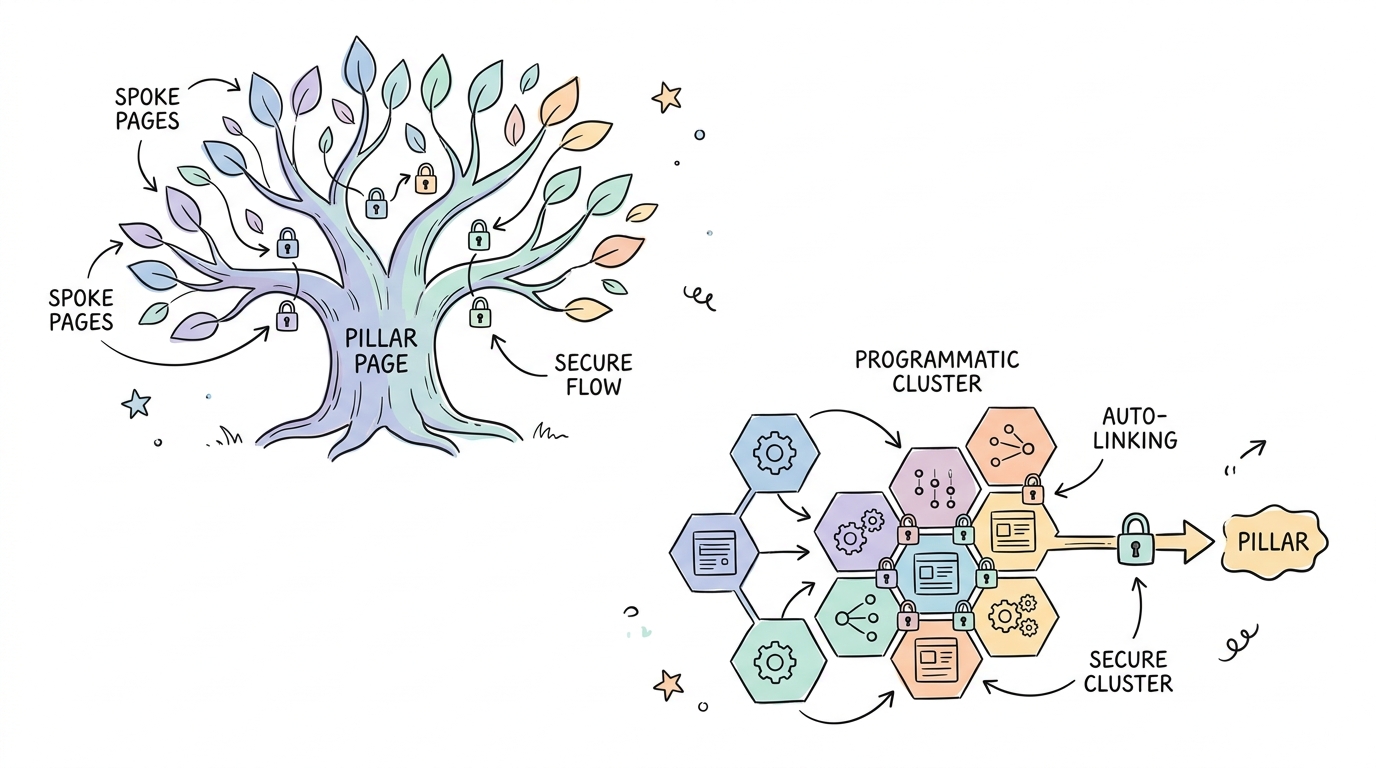
Orphan pages are a silent SEO killer. If you publish hundreds of programmatic pages without a cohesive internal linking structure, search engine crawlers will ignore them. Modern AI-driven search requires transitioning from slow, manual internal linking to dynamic programmatic silos where each cluster article securely links back to a primary pillar page.
Tools like Whalesync Platform can help maintain data consistency across systems, but managing internal link graphs requires dedicated automation software.
If you are building extensive semantic hubs on Webflow and need automated, intelligent link mapping, then use LinkStorm (rated 9.6/10 overall).
If you manage hybrid sites across WordPress and Webflow and want semi-automated suggestions, then use LinkWhisper (rated 9.2/10 overall).
If you are building complex entity-driven silos and require deep semantic NLP parsing, then use LinkBoss (rated 8.9/10 overall).
Proof of Concept: Live Automated Engines Winning the Traffic Game
Programmatic automated engines are not theoretical. Leading marketing teams are already deploying them to capture massive long-tail search volume with minimal manual overhead.
Programmatic Publishing Success Stories
DelightChat's Rapid Scale: DelightChat crawled, manually categorized, and translated Shopify app data into 324 high-converting Webflow landing pages in just one week. By automating their Webflow CMS generation, they grew their organic search traffic from 100 daily impressions to over 6,000 daily impressions in only 6 weeks.
Whalesync's Directory Engine: Whalesync built and launched a fully indexable directory of over 1,000 items in less than a week. They paired Airtable with the OpenAI API, and utilized their own automated synchronization engine to push data directly into their existing Webflow design system without writing custom API code.
Critical Integration Mistakes That Will Kill Your Domain
Building an automated pipeline is simple, but a single mistake can expose your private data or get your site completely deindexed by Google's spam prevention algorithms.
Pitfall: Placing your private OpenAI API keys directly into Webflow's frontend custom code blocks will expose your credentials to anyone who inspects your site's source code, leading to massive billing shocks and security breaches.
You must also avoid the classic programmatic SEO trap of only changing two or three words per page template. Creating identical, thin pages will trigger duplicate content filters immediately. Always build a robust human-in-the-loop verification stage, and respect the strict rate limits of both OpenAI and Webflow during high-volume database runs to prevent workflow timeouts.
The Pre-Launch Verification Protocol
Before turning on your automated generation runner, you must audit the entire connection path. Use these simple diagnostics to ensure security and data accuracy:
Run a local cURL request to verify that your Webflow Data API v2 site token successfully retrieves your collections list.
Inspect the Webflow CMS editor to confirm that all AI-generated fields (Meta Titles, Alt text, Article Schema) populate their respective database parameters.
Search your public live code for any occurrences of the string sk- to guarantee no OpenAI API keys are exposed.
If you are running high-volume crawls, then implement an automated delay of 500ms between Webflow API requests to prevent triggering 429 rate limit exceptions.
If your serverless function logs a 403 authorization error on live production requests, then verify your ALLOWED_ORIGIN environment variable matches your live domain.
Webflow AI Integration: Frequently Asked Questions
Setting up a robust backend integration often raises architectural questions. Here are the clear answers you need to proceed:
Can I connect OpenAI API directly to Webflow custom code?
No. Storing your OpenAI API key in client-side Webflow custom code exposes it to the browser, allowing attackers to steal it. You must use a secure serverless backend proxy (like Netlify, Vercel, or Cloudflare Workers) or an automation platform like Make or Zapier to keep your keys secure.
Does Google penalize AI-generated content on Webflow?
No. Google's official stance is that the appropriate use of AI or automation does not violate their spam guidelines. However, Google targets scaled content abuse where sites publish low-quality, repetitive, or unhelpful pages purely to manipulate search engine rankings.
What Webflow plans support CMS API access?
Webflow CMS API access is only available on paid site plans that support CMS features, specifically the CMS, Business, and Enterprise tiers. The Basic plan explicitly lacks CMS features and will return API authorization errors if you attempt to query it.
Stop Typing, Start Architecting
The days of manually copy-pasting your way to search visibility are over. Google penalizes low-quality content, not AI content; the generation method itself has never triggered a penalty. Your job is to design high-quality, defensible systems that generate real value.
If you want to skip the engineering overhead of building these serverless custom API proxies from scratch, you can leverage automated platforms like Kitful AI. Their All-In-One Plan for $49/mo provides an end-to-end Autoblog with direct publishing integrations, built-in text humanizers, and rich media support, allowing you to scale search engines securely without manual code. Focus on the strategy, and let the APIs do the manual labor.
 Kitful