BlogZapier vs. Make.com vs. n8n: Which Automation Tool is Best for Scaling AI Article Publishing?
Zapier vs. Make.com vs. n8n: Which Automation Tool is Best for Scaling AI Article Publishing?
Ready to scale your programmatic SEO machine to thousands of pages in 2026? Find out whether Zapier, Make.com, or n8n provides the architecture you need to win without penalties.
•8 min read
An affiliate marketer launches 1,000 automated SEO pages overnight, expecting easy traffic. Instead, their crawl rate bottoms out and Google indexation drops to zero.
Data shows that 86.5% of top-ranking pages use some AI content. The AI itself isn't what triggers penalties. The real risk is publishing raw, unedited pages. In fact, you are 40% more likely to get de-indexed when you throw thousands of disconnected AI pages at a site without any logical structure.
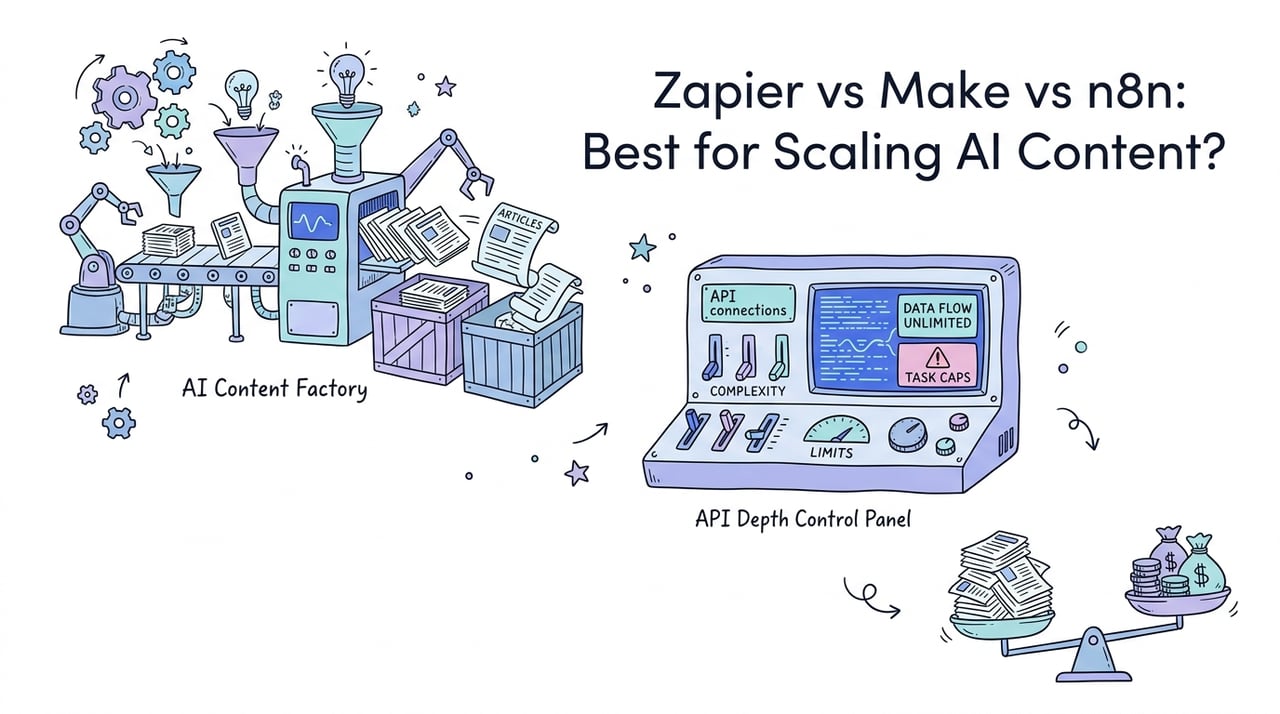
To win at programmatic SEO, you need the right setup. This is where the debate over Zapier vs Make.com for AI content publishing comes in, alongside n8n, a favorite for developers. The automation tool you pick determines whether your search traffic grows or gets wiped out by Google's updates.
Bottom Line Up Front: The 2026 SEO Orchestrator Verdict
Here is a direct breakdown of how the three leading automation engines compare for scaled SEO and programmatic article publishing.
Feature
Zapier
Make.com
n8n (Self-Hosted)
Pricing Model
High per-task cost
Moderate per-operation cost
Free on a $6/mo VPS
Best For
Low-volume prototypes
Complex visual routing
Programmatic SEO scale
Custom Code
Capped at 10-second runs
Native HTTP, no custom libraries
Unlimited Node.js and Python
AI Capabilities
Prompt-based Agent interface
Basic conversational builder
Native LangChain and vector nodes
Selecting the right framework is crucial for maintaining an efficient development workflow.
The Economics of Scale: Pricing Model Comparison
Here is a detailed video breakdown analyzing how these automation tools stack up in real-world scenarios:
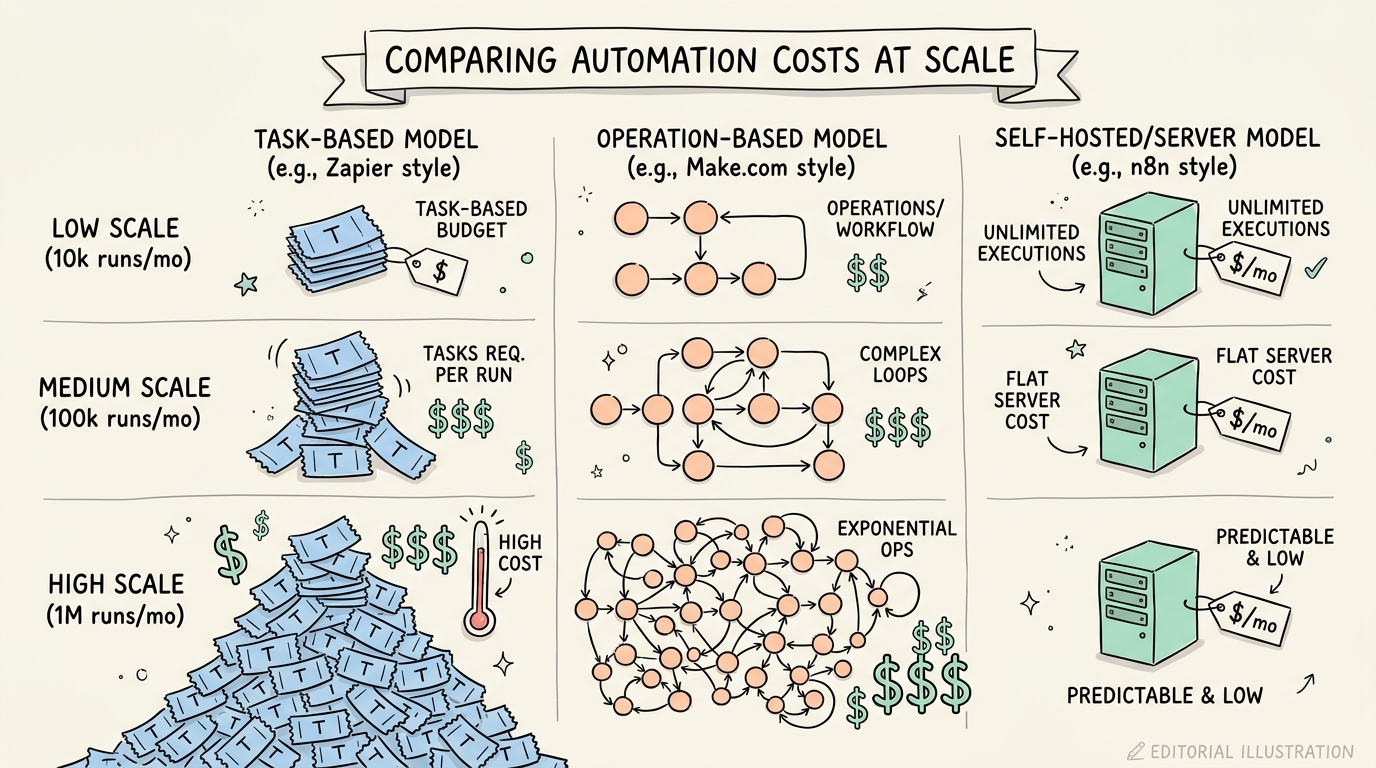
The biggest roadblock in programmatic SEO is the cost of running multi-step workflows. Creating an AI article is rarely a one-step job. You have to grab keywords, scrape search results, build outlines, send prompts to an LLM, clean up the text, and publish to WordPress or Shopify. This whole chain easily takes 10 separate steps per article.
If you use Zapier, you will hit a price wall fast. The Professional tier starts at $19.99 a month for just 750 tasks, and the Team plan runs $69 a month for 2,000 tasks. If you publish a campaign of 1,000 articles, you will burn through 10,000 tasks. On Zapier, that kind of volume runs into hundreds of dollars.
Make.com is much cheaper because it charges per operation. Its Core plan runs about $9 to $10.59 a month for 10,000 operations, and the Pro plan is around $18.82 a month for 30,000 operations. But watch out: complex loops and routers can make your operations multiply fast, leading to surprise bills.
With self-hosted n8n, the math gets much better. Host it on a cheap virtual private server (VPS), like a $6/mo Hetzner server, and you get unlimited runs.
$6 average monthly cost for scaling up to millions of runs.
API Depth, Custom Code, and Runtime Constraints
Programmatic SEO takes some technical flexibility. You can't just rely on basic static fields when you are dealing with thousands of pages. You need to parse messy nested JSON, clean up HTML, and format metadata on the fly.
This is where Zapier runs into a wall. Its Python and JavaScript code blocks are capped at a strict 10-second run time. You can't import outside packages either. If you want to use advanced scrapers like Playwright or clean up data with pandas, Zapier won't work.
Make.com gives you a great visual editor. Its built-in HTTP tool works well for making API calls and sorting through nested data. But Make.com doesn't offer a self-hosted option, and you can't write complex, multi-package scripts directly in your workflows.
n8n is built for developers. Its Code nodes let you write raw Node.js or Python. You can install custom npm or pip packages right in your setup. This lets you reshape complex JSON and run scraping workflows without needing external tools.
Pitfall: Building complex web scraping loops in Zapier will lead to constant timeout errors. The strict 10-second limit is too short to load modern, JavaScript-heavy pages.
AI Nodes and Agentic Orchestration Frameworks
A good content engine can't just spin up static templates anymore. To keep Google from flagging your content for scaled abuse, your articles need custom data sources and dynamic memory.
Zapier has built prompt-based tools and Zapier Agents. They are easy to use, but they fall short on deep logical reasoning and multi-agent workflows. They work fine for simple tasks, but not for large programmatic sites.
Make.com has its own conversational assistant, Maia. While the visual editor makes it easy to set up basic AI steps, Make.com doesn't have native agent features. You can't easily manage complex agent memory or set up loops where agents use custom tools to double-check facts.
On the other hand, n8n built its system to handle AI agents. Version 2.0 brought built-in LangChain integrations, giving you over 70 AI nodes right out of the box. You can plug agents straight into vector databases, handle chat memory, and build advanced reasoning loops. You can read up on how to configure these nodes in the n8n official documentation.
Tip: Use n8n to connect your AI writing loops to a vector database. This lets your workflow pull useful context on the fly so every article actually teaches the reader something new.
How to Build a Non-Penalized Programmatic SEO Pipeline
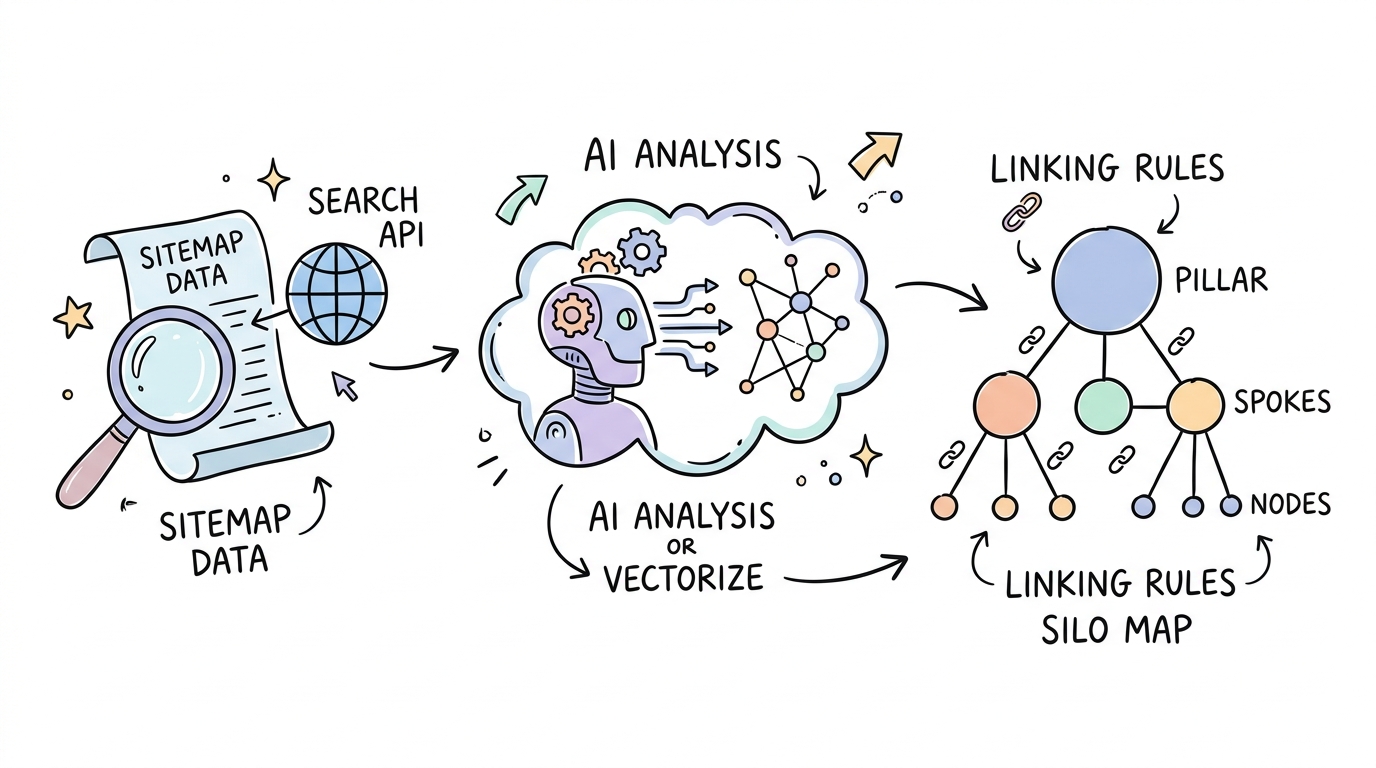
To protect your site from Google penalties while publishing programmatically, you must construct a robust semantic routing pipeline. Traditional flat sitemaps fail because they waste crawl budget. Instead, build a dynamic internal linking framework.
Here is how to set up your workflow:
Extract your XML sitemap using the Google Search Console API. This builds a clean database of your existing URLs and page titles.
Vectorize your URL metadata. Use an embeddings model like OpenAI Embeddings to translate your titles and slugs into semantic vector coordinates.
Define strict silo routing rules. Organise your content into a clear Pillar-Spoke-Node architecture to prevent logical gaps.
Extract anchor texts using an LLM. Have a secondary LLM analyze your drafted articles to identify natural, contextual phrases matching your target URLs.
Audit your internal links monthly. Use a crawler like Screaming Frog to locate and resolve orphaned pages.
Building these structured frameworks ensures search engines can traverse your site easily. When search bots discover clean semantic paths, indexation rates climb dramatically. To make sure your structured data is error-free, validate your markup using the Google Rich Results Test Tool before going live. For more guidelines on search quality, review the Google Search Central Blog.
Here is an example schema snippet you can generate programmatically for your articles:
While your automation manager handles the publishing pipeline, dedicated AI internal linking tools build your topical authority. These tools make sure search bots don't hit dead ends.
LinkBoss
This software targets automated WordPress content silos. It reads your database and writes natural, context-rich paragraphs that include internal links right in the text.
InLinks
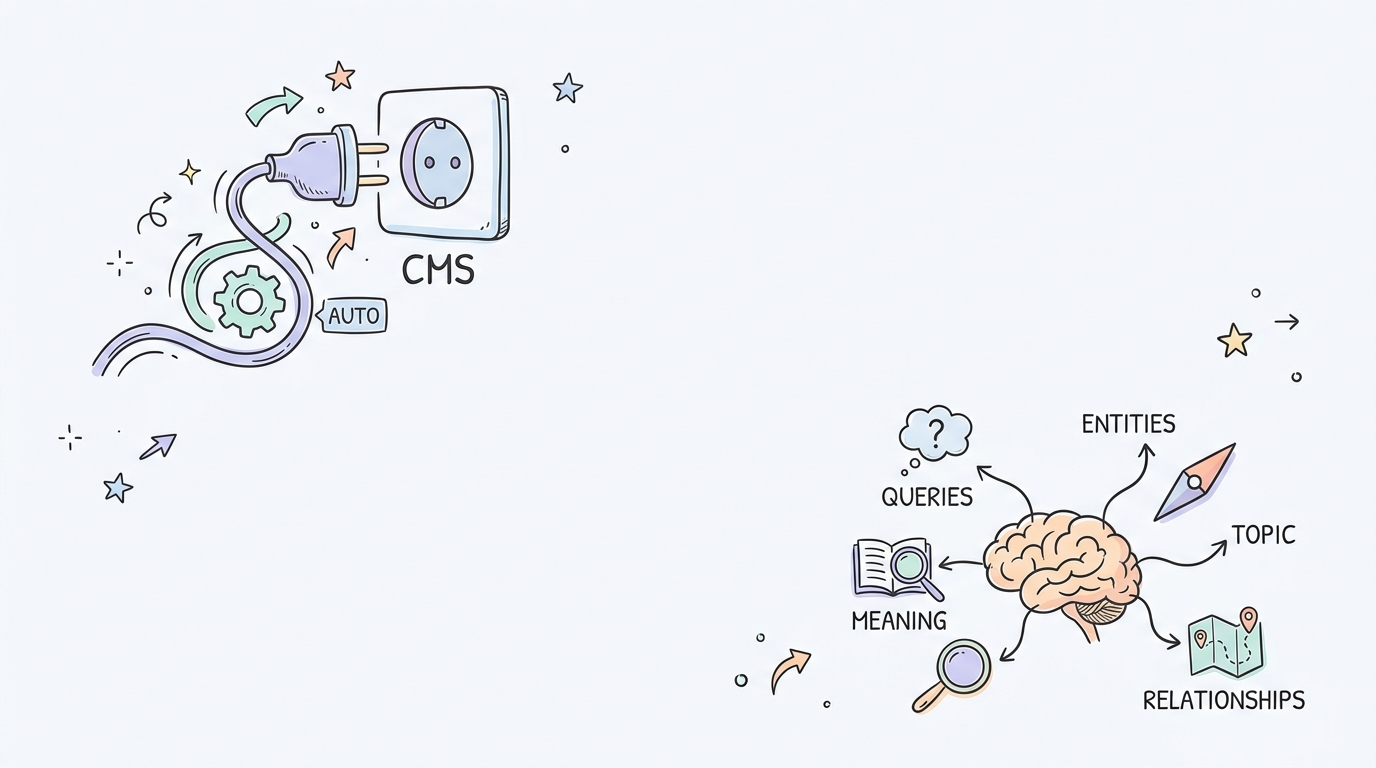
If you want to manage entity-based semantic graphs, this is a strong pick. It uses a simple JavaScript code snippet to add context-aware links directly to your live pages, helping you structure your site without manual editing. You can see how its semantic engine maps these connections at InLinks.
Link Whisper
This is a solid choice if you want manual, real-time suggestions. It sits right inside your WordPress block editor, making it great for hands-on optimization, though you do have to approve links one by one. Take a look at Link Whisper.
Linkilo
Use this one for custom keyword mapping and keeping track of varied anchor texts. Its deep reporting dashboard gives you total control over how links are spread out, even if the interface takes a little getting used to. Try it at Linkilo.
SEOJuice
This works great for completely hands-off contextual updates. It finds semantic link opportunities on its own and edits live links automatically. Learn more at SEOJuice.
If you are doing bulk auto-linking on WordPress, LinkBoss is still one of the fastest options.
Choosing Your Tool: The Technical SEO Decision Path
Which automation tool fits your needs? It mostly comes down to your budget, tech skills, and workflow complexity.
Pick self-hosted n8n if you want to build custom scrapers and need to scale without massive monthly bills.
Choose Make.com if you want a visual builder with solid routing logic but don't want to manage your own server.
Stick with Zapier if you are an in-house marketer with limited tech support and you run under 500 tasks a day.
Go with a platform like Kitful AI if you want to handle the whole writing and publishing process inside a single dashboard.
Frequently Asked Questions About AI SEO Scaling
Does Google penalize AI-generated content?
No, Google focuses on quality, relevance, and helpfulness rather than who or what wrote the page. AI content is fine as long as you add original insights and maintain solid quality standards. If you just bulk-publish thin, unedited AI pages, you will run into indexation issues.
Should I run n8n on n8n Cloud or self-host it?
Self-hosting on a VPS gives you complete control and unlimited runs for a flat monthly server fee. The cloud version costs more but saves you the hassle of managing a server while still letting you write custom Node.js scripts.
How does schema markup impact AI Overview visibility?
Structured data helps AI search engines find and read your content easily. Pages with detailed, descriptive schema get 61.7% visibility in AI Overview citations, while those with basic, generic schema only get 41.6%. You can learn how to set this up using the Schema.org Official Documentation.
Build for Stability, Not Just Scale
Programmatic SEO is easier than ever to start, but keeping your pages indexed takes real effort. Don't just dump unedited, disconnected AI text onto your site. Take the time to build clean internal link silos and add real data to your content.
The tools you choose now will set the pace for your long-term workflow. Setting up clean data pipelines through n8n or Make.com, and using platforms like Kitful AI for automated writing, helps keep your content indexed, useful, and visible in search results.
 Kitful