BlogThe Best Free Blogger Checker Tools to Audit Your Site in Minutes
The Best Free Blogger Checker Tools to Audit Your Site in Minutes
Audit your blog in minutes with top free blogger checker tools. Discover technical SEO auditors, broken link scanners, and AdSense checkers tailored for Blogger sites.
•7 min read
A Blogger template can carry missing JSON-LD schema, broken links, and outdated technical SEO tags while the site still looks fine to a reader. Parameter-based canonical URLs can also split similar mobile and desktop views into competing index entries.
That costs you the chance to earn clean indexing and rich-result eligibility. A dedicated Blogger audit checks the template XML, rendered page structure, links, and canonical signals before those faults keep spreading through new posts.
Start with a free checker that reads both the source template and the live URL. You get a clear repair list, then confirm the fix in Google Rich Results Test and Google Search Console.
Top Free Blogger Checker Tools at a Glance
Each checker covers a different part of a Blogger audit.
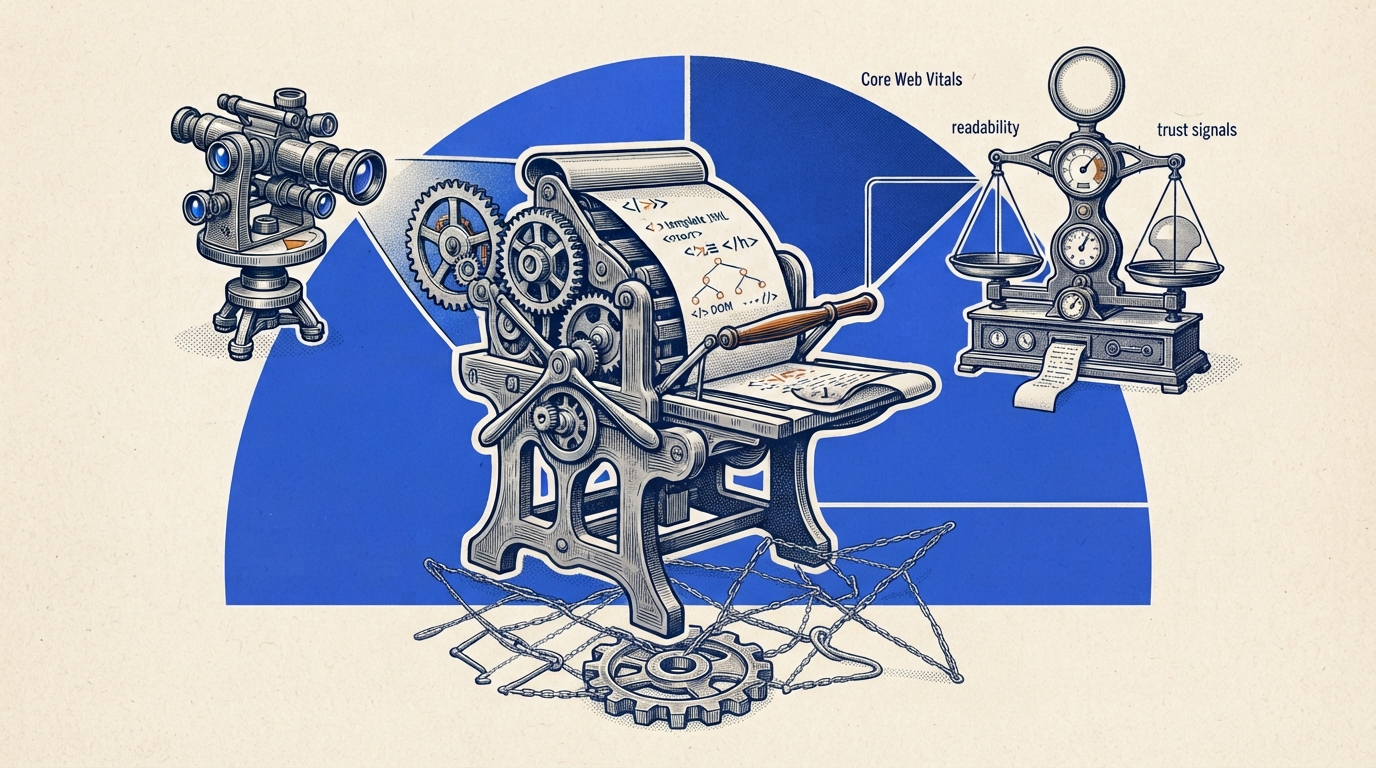
Template checks: Blogger Template SEO Auditor v5.0 PRO reads raw XML and live DOM structure locally in the browser, including JSON-LD schema and Core Web Vitals.
Site health: BlogVitals runs more than 50 real-time checks for SEO, readability, broken links, and trust signals.
Content and links: BLaaG for Blogger scans Blogspot links, while SEOMatch gives its free tier 10 articles per week and 20 articles per month.
Large crawls: Ahrefs Site Audit checks more than 170 SEO issues and allows up to 5,000 pages per month on its free tier.
This walkthrough covers the main steps of a site audit.
Use one checker for the fault you need to find, then verify the repaired page rather than stopping at the first report.
Best Free Blogger Checker Tools for Technical Audits
Start with the part of the blog that has the clearest risk: template code, page health, ads readiness, links, content, or a full crawl. Blogger Template SEO Auditor and BlogVitals cover the first two paths directly.
Blogger Template SEO Auditor v5.0 PRO
Blogger Template SEO Auditor v5.0 PRO is for bloggers editing a custom theme or checking an older default template. It reads raw XML template architecture and the rendered DOM in the browser.
Pros
Checks raw XML template architecture
Inspects rendered DOM logic
Reviews Core Web Vitals and JSON-LD schema
Runs locally inside the browser
Cons
Centers on template source and rendered-page checks
Pricing
Free: local browser-based template and page audit
Why choose Blogger Template SEO Auditor v5.0 PRO over other checkers?
Choose it before pasting XML changes into Theme Editor. Its local browser execution also keeps the code in your browser during the audit.
BlogVitals
BlogVitals is for a quick read on overall blog health when you want SEO, readability, links, and trust signals checked together. Its report runs more than 50 real-time checks in seconds.
Pros
Runs 50+ real-time health checks
Checks SEO and readability
Checks broken links and trust signals
Cons
Centers on live blog health checks
Pricing
Free: real-time blog health checks
Why choose BlogVitals over other checkers?
Choose BlogVitals when the question is broad: what is wrong with the live blog right now? It gives a wider first-pass report than an XML-focused check.
AdSense Sandbox Checker
AdSense Sandbox Checker is for bloggers reviewing a site's AdSense readiness. It scans direct AdSense scripts, WHOIS, and Google Cache indexation.
Pros
Scans direct AdSense scripts
Checks WHOIS signals
Checks Google Cache indexation
Cons
Centers on AdSense-related signals
Pricing
Free: Blogger AdSense readiness scan
Why choose AdSense Sandbox Checker over other checkers?
Choose it when ad readiness is the immediate concern. Its checks focus on signals tied to AdSense scripts and indexation.
BLaaG for Blogger
BLaaG for Blogger is for a Blogger site with old posts, changed URLs, or outbound references that need checking. It is an online broken-link scanner built for Blogspot sites.
Pros
Scans for broken links
Built for Blogspot sites
Uses an online scanner
Cons
Centers on broken-link scanning
Pricing
Free: online Blogspot broken-link scan
Why choose BLaaG for Blogger over other checkers?
Choose BLaaG for Blogger when links are the job. Run it again after repairs to confirm that every 404 link is resolved or redirected.
SEOMatch
SEOMatch is for bloggers checking article-level content and SEO. Its free tier includes 10 free articles per week and 20 articles per month.
Pros
Checks content and SEO
Includes 10 free articles per week
Includes 20 articles per month
Cons
Centers on article content and SEO
Pricing
Free: 10 articles per week and 20 articles per month
Why choose SEOMatch over other checkers?
Choose SEOMatch when your template is sound and individual posts need content review. For broader on-page work, these blogger SEO optimization tips can help shape the next edit.
Ahrefs Site Audit
Ahrefs Site Audit is for bloggers who need a crawl across many pages rather than a one-page check. Its free tier scans more than 170 SEO issues across up to 5,000 pages per month.
Pros
Scans 170+ SEO issues
Crawls up to 5,000 pages per month on the free tier
Covers technical SEO across a site
Cons
Centers on crawl-based technical SEO coverage
Pricing
Free: up to 5,000 crawled pages per month
Why choose Ahrefs Site Audit over other checkers?
Choose Ahrefs when a blog has enough published pages that isolated checks miss recurring faults. A crawl can surface the same broken-link or canonical pattern across the site.
Comparing the Top Blogger Audit Tools
Ahrefs is the strongest pick for a site-wide crawl, while the Blogger Template SEO Auditor is the direct pick for XML and rendered-page checks. Use SEOMatch's pricing page to confirm its article allowance before making it part of a regular writing routine.
Checker
Scope
Free plan
Starting price
Best for
Blogger Template SEO Auditor v5.0 PRO
XML, DOM, schema
Local browser audit
-
Theme checks
BlogVitals
SEO, links, readability
50+ real-time checks
-
Fast health checks
AdSense Sandbox Checker
Ads readiness
Script, WHOIS, cache checks
-
AdSense review
BLaaG for Blogger
Broken links
Blogspot link scan
-
Link repairs
SEOMatch
Content SEO
10 weekly, 20 monthly articles
-
Post audits
Ahrefs Site Audit
Technical crawl
5,000 pages monthly
-
Large-site checks
SE Ranking starts at $65 per month, which puts it in a paid category rather than this free-first list. Pick the narrow checker when you have one clear fault, then use Ahrefs for repeated issues spread across many pages.
How to Audit Your Blogger Site in 4 Simple Steps
Four steps are enough for a first pass. Keep a copy of the current template before changing any XML.
Export the template source. In the Blogger dashboard, open Theme and then Edit HTML. Copy the XML you plan to inspect so the live template remains available for comparison.
Run source and page checks. Paste the XML into a template auditor, then test the live blog URL. This catches a gap between source code and the DOM readers actually receive.
Fix the named fault in Theme Editor. Apply the copy-pasteable XML fix for JSON-LD schema, canonical tags, robots settings, or the mobile viewport issue found in the report. Use this guide on how to edit Blogger XML template when you need a careful editing workflow.
Verify the live result. Test the live URL in Google Rich Results Test for JSON-LD validation, check index status in Google Search Console after canonical or robots changes, rerun the broken-link scan, and test mobile usability across devices.
A blogger changes a canonical tag in the theme, then checks only the saved XML. The live URL can still render a different result, so the second check is the one that tells them whether Google can see the repair.
Quick rule: Verify every repair on the live URL before you move to the next issue.
Frequently Asked Questions About Blogger Checkers
What Is A Blogger Checker?
A blogger checker is a web-based diagnostic service that evaluates a blog's technical health, SEO, template code, broken links, and AdSense readiness. Dedicated Blogger checks matter because a Blogspot site uses XML template code that controls what the live page renders.
Are Local Browser Template Audits Safe?
A local browser audit keeps the template code in the browser while the audit runs. One auditor describes its process this way: "Your code is 100% private and secure. The auditing engine executes locally inside your web browser."
Still, keep a saved copy of the template before editing it. That gives you a clean version to restore if a pasted change causes a rendering problem.
How Often Should You Audit A Blogger Site?
Run an audit after you change a theme, add schema, alter canonical or robots settings, or repair a group of links. Regular checks also help catch new broken links and confirm that the live page still passes mobile and rich-results tests.
Can A Blogger Checker Confirm Rich Results?
A checker can flag JSON-LD schema issues in the template or rendered page. Confirm the live URL with Google's Rich Results Test, because validation needs to happen on the page Google can fetch.
Take Control of Your Blog's SEO Today
Start with the check that matches the problem: XML for template edits, a link scanner for 404s, a content checker for posts, or a crawl for site-wide faults.
Today, export your Blogger template, audit the live URL, fix one named issue, and verify the repair with Google Rich Results Test or Search Console.
 Kitful